



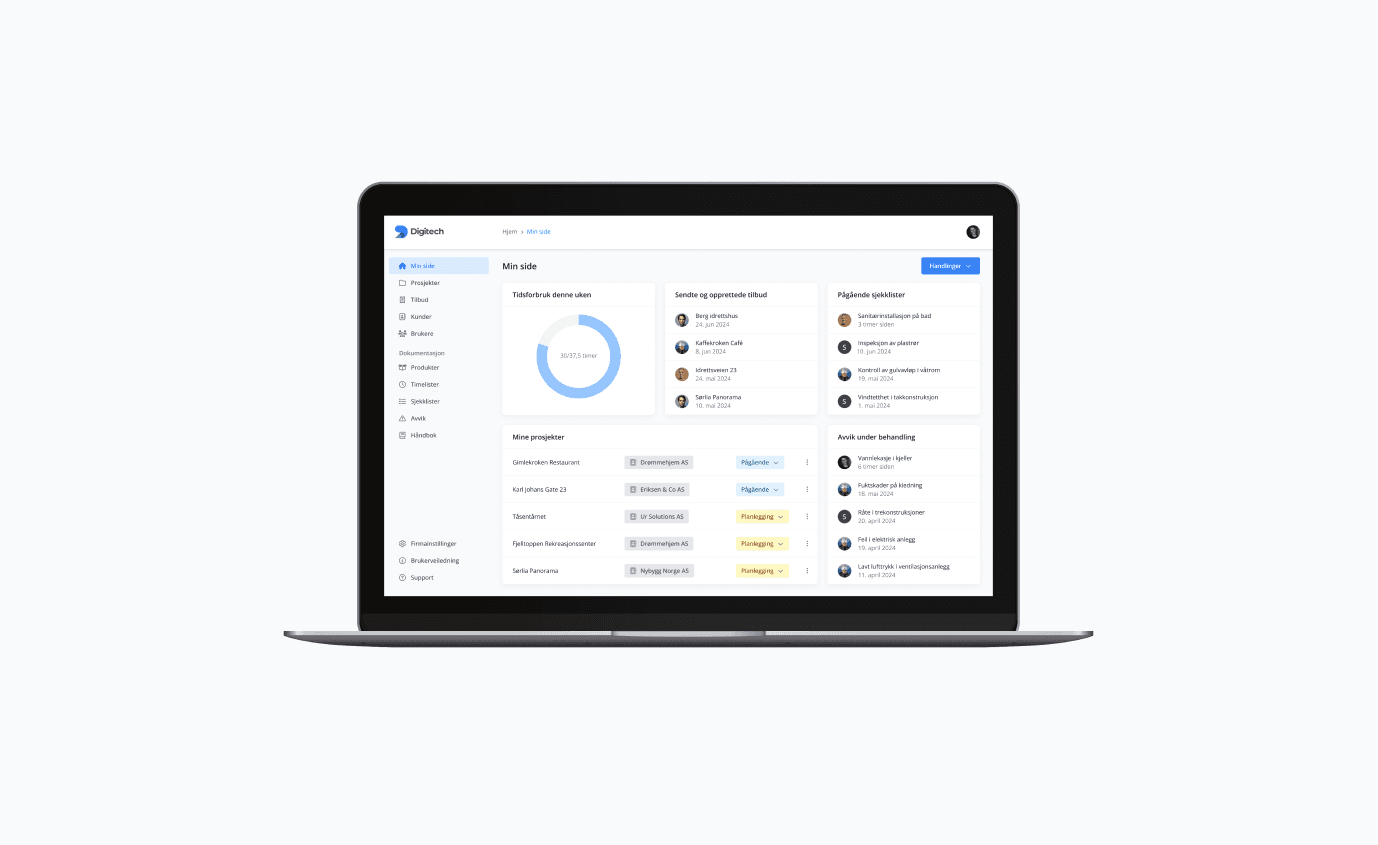

What is a web application?
A web application is a form of software that runs through a browser, rather than being installed locally on your computer or mobile device. Unlike traditional applications, which often require downloading and installation, web applications are accessible directly via the internet.
This makes them user-friendly and easy to access from any device with a browser and an internet connection.
Web applications combine the functionality of traditional programs with the flexibility and accessibility of a website. They can perform everything from simple data collection to complex tasks such as real-time analysis or collaboration tools.
What makes web applications unique is that they are often interactive, responsive and designed to give users an app-like experience, without the need to download anything.
Examples of web applications
Web applications are an integral part of the modern digital landscape, and chances are you use several every day without even thinking about it. Google Docs is a good example, a writing tool that allows you to create, edit and share documents directly in the browser.
Online banking is another popular example, where you can check your balance, pay bills and transfer money without having to install any additional applications.
Social media sites such as Facebook and Instagram are also web applications at their core, although many of them also offer mobile apps. Through the browser, they give users the opportunity to interact, share content and communicate with others, all in an interface that feels seamless and responsive.
These examples show how web applications can cover everything from productivity to entertainment, and why they have become so central to the way we use technology.
How does a web application differ from a regular website?
Although both web applications and regular web pages are accessible via the browser, there are several important differences that set them apart. These differences lie in functionality, data processing and user experience, and they affect how we experience and use them in everyday life.
Interactivity and functionality
One of the biggest differences is the degree of interactivity. Common websites are primarily designed to present information in a static or limited dynamic format, such as articles, images or contact information. Web applications, on the other hand, are designed to provide advanced functionality that the user can interact with.
For example, an online store that only displays products and prices can be classified as a normal website. But if it also allows you to create an account, add items to a shopping cart, and make payments in real time, it functions as a web application. This interactivity makes it possible to perform complex tasks directly in the browser.
Data processing and backend
Web applications are more than what you see on the screen. Behind the scenes, they rely on a backend, servers that handle data and perform tasks such as data processing, storage and real-time updates.
Unlike a regular website, which only loads static information, web applications continuously communicate with the server to update and process data without having to reload the page.
A good example is a chat application that updates your conversations in real time, or a spreadsheet application that automatically saves your changes. This ability to handle data dynamically is one of the most important characteristics that distinguish web applications from traditional web pages.
User Experience (UX)
Web applications are often designed to provide an app-like experience, where the user can interact seamlessly with the interface. This includes features such as responsive design, fast loading times and intuitive navigation elements. Many web applications give the impression of being "real" apps, even though they run directly in the browser.
Examples of this are web applications such as Google Drive or Canva, which offer complex tools with a fluid and fast response, similar to that experienced with desktop or mobile applications. This approach turns web applications into powerful tools that combine the best of web pages and applications for an optimal user experience.
How does a web application work?
Web applications are built on a sophisticated architecture that enables them to work efficiently and interactively directly in your browser. By combining the client-server model, the browser's capabilities and advanced technologies, web applications can offer dynamic experiences that feel seamless to the user.
Client and server architecture
The core of a web application's functionality lies in the client-server model. In this model, the user device, such as a computer, tablet or mobile phone, acts as the client, while the server hosts the application's backend.
When you open a web application in the browser, a request is sent from the client to the server. The server processes the request, for example by retrieving data from a database or performing logical operations, and then sends the result back to the client. This communication usually takes place over the internet and uses protocols such as HTTP or HTTPS.
A simple analogy is to think of the server as a kitchen and the client as a customer in a restaurant. The customer (the client) orders a dish from the menu (the request), the kitchen (the server) prepares the food (processing), and the waiter (the network protocol) delivers the food back to the customer.
The role of the browser
The browser plays a crucial role as a platform for web applications. It acts as a window into the application, and is responsible for displaying the user interface, handling user interactions, and interpreting and running the code that makes up the web application.
When you load a web application, the browser loads the front end, the part of the application that the user sees and interacts with. This includes HTML for the structure, CSS for design and appearance, and JavaScript for interactivity. The browser also handles the communication between the client and the server, ensuring that data is transferred back and forth in a secure and efficient manner.
With modern browsers supporting advanced technologies such as WebSockets and Progressive Web Apps (PWA), web applications can offer real-time updates, offline functionality, and high performance, greatly expanding their capabilities.
Technologies behind web applications
Web applications rely on an interaction between several technologies to function. The front-end part, what the user sees, is built with three main technologies:
- HTML (HyperText Markup Language) - Provides the structure to the content of the application, such as headings, buttons and text fields.
- CSS (Cascading Style Sheets) - Determines how the application looks, including colors, fonts, and layout.
- JavaScript - Adds interactivity and dynamic functionality, such as button clicks, form validation, and real-time updates.
The backend part, which runs on the server, handles business logic, data processing and communication with databases. This can be built using frameworks and programming languages such as Node.js, Python (Django, Flask), Ruby on Rails, or Java (Spring).
Databases such as MySQL, PostgreSQL, or MongoDB are often used for storing and managing data. In addition, APIs (Application Programming Interfaces) are used to connect the web application to other services or retrieve data from external sources.
Advantages and disadvantages of web applications
Web applications have become an integral part of our daily lives due to their flexibility and functionality. However, as with all technology, they have both advantages and disadvantages that are worth considering.
Advantages
One of the biggest advantages of web applications is their accessibility. Since they run directly in the browser, you can use them on almost any device that has a browser and an Internet connection, whether it's a computer, tablet or smartphone.
This makes web applications platform-independent, which means you don't have to think about specific operating systems or hardware requirements.
Another big advantage is that web applications do not require installation. You do not need to download or update the software manually; everything happens automatically in the browser. This saves storage space on your device and ensures that you are always using the latest version of the application.
For example, you can start using a tool like Google Docs immediately, without going through complicated installation processes.
Disadvantages
Despite all the advantages, web applications have some limitations. Perhaps the most obvious disadvantage is that they require a stable internet connection. Although some applications offer offline functionality, many are completely dependent on network access to function.
This can be a challenge for users in areas with poor internet coverage or in situations where the network is unreliable.
Another challenge is security. Because web applications run over the internet and often handle sensitive data, they are more vulnerable to cyber attacks than traditional, local applications. Hackers can, for example, exploit weaknesses in the browser or the application to gain access to data. This makes it important for developers to implement robust security protocols such as encryption and authentication.
Ultimately, the choice between using web applications and other types of applications is about weighing the advantages against the disadvantages based on needs and applications. If you are considering web app development for your business, we at Ur Solutions are happy to help you with that assessment.
Frequently asked questions
What is a web application?
A web application is a type of software that runs in the browser and provides functionality similar to a traditional application. It requires no download or installation and can be used across devices that have an internet connection.
How does a web application differ from a website?
While a web page mainly displays static information, a web application is interactive and offers advanced features such as data processing and real-time updates. Examples of web applications include Google Docs and online banking.
Can I use a web application without internet?
Most web applications require an internet connection to work, but some offer offline functionality. This depends on how the application is built and which technologies are implemented.
Are web applications secure?
Web applications can be secure if they are developed with strong security protocols, such as encryption and authentication. However, they are more vulnerable to cyber attacks than traditional local applications because they run over the internet.
Do I need to update a web application?
No, web applications are automatically updated by the developers. This is one of the advantages of using an application via a browser. You always have access to the latest version without doing anything yourself.


