




It is important to have an online presence in 2024. The vast majority of people who search for information and services today do so on the internet. A good, neat and tidy website will make you more visible to those you want to reach or sell to.
In the past, it has been difficult to develop even simple websites. Most solutions for website creation have required a degree of technical expertise. In 2024, this is no longer the case. There are still a bunch of technical tools, yes. But there are also a large number of website builders that allow you to create websites easily and without any technical skills.
In this article, we take a closer look at 6 website builders that are popular and relevant if you are going to acquire a website in 2024. You will learn about which website builder is best for you, depending on your budget and level of experience.
Get started
What do I need to create a website?
The very first thing you need is a goal and a plan. Why should you have a website? What is the goal of your website? Is it a purely informative website? Will you receive customers there? Are you going to sell products?
These are the first questions we ask those we talk to who are going to have a website. A good plan makes it easier for you both to choose the right tool for the job, and to design the website according to your goals.
After you have a plan, you must choose a website builder. The list of website builders below can be used as a good guide to choose the tool that suits you best.
After you have chosen your platform and you have started to set up your website, you should start collecting text, images and other content that you want to include on the website. It may be a good idea to create a media bank with images and videos on the website builder itself. A good media bank makes it easier for you to quickly create new sub-pages on your website, as you can more quickly select graphics and other elements you need on the page.
After you have created the structure of the website, you will need to write a lot of text. We always recommend that you write the content in a different tool than the website builder you are working in. Most website builders have e.g. no built-in spell check or other functionality to help you type correctly. On the other hand, Microsoft Word or Google Docs do. We therefore recommend that you make a list of everything you are going to write, and then use an ordinary word processing tool to write the content.
Our preferred tool for this is Notion.
Finally, it is important that you are prepared to invest a good amount of time in both learning the tool you choose, and in customizing the website.
How much does it cost to create a website?
You can create a website completely free of charge. Both Wix, Wordpress and Webnode have options for creating a free website. It depends on you owning one domain, or is content to let your website live on a subdomain, e.g. Wix's subdomain: <your side>. wixsite.com. All website builders charge you if you want to connect your own domain.
If you want to buy a domain, we recommend domene.shop or Webhuset.
Website builders often take care of hosting and running for you, as part of the subscription you buy from them. At the same time, there are a number of things you should keep in mind to minimize running costs:
- Expensive plugins : Be careful not to install or buy premium plugins or packages that incur additional costs.
- Expensive hosting : If you e.g. have created a website in Wordpress, there are many places you can host it. Some of these places are significantly more expensive than others. At Webhuset, you get Wordpress from as little as NOK 15/month. More expensive solutions made for websites that need high performance can quickly cost NOK 1,000 a month or more.
- Reduce consultancy assistance: If you have someone helping you with development or operation, make sure you set specific budget limits for them. The hours can quickly run wild if the consultants are given free rein to nail your website.
- Data security: There is nothing more expensive than having your website hacked. Always use unique passwords for your login, preferably use a password manager such as 1Password, and preferably two-factor authentication for everything.
- Disaster recovery and downtime: Downtime is expensive. If your website is used to generate leads or sales for your company, it is important that your website is up at all times. Use a recognized partner for hosting the website. You may also want to ask if they offer an SLA with an uptime guarantee, preferably for free.
Wix: Best for beginners
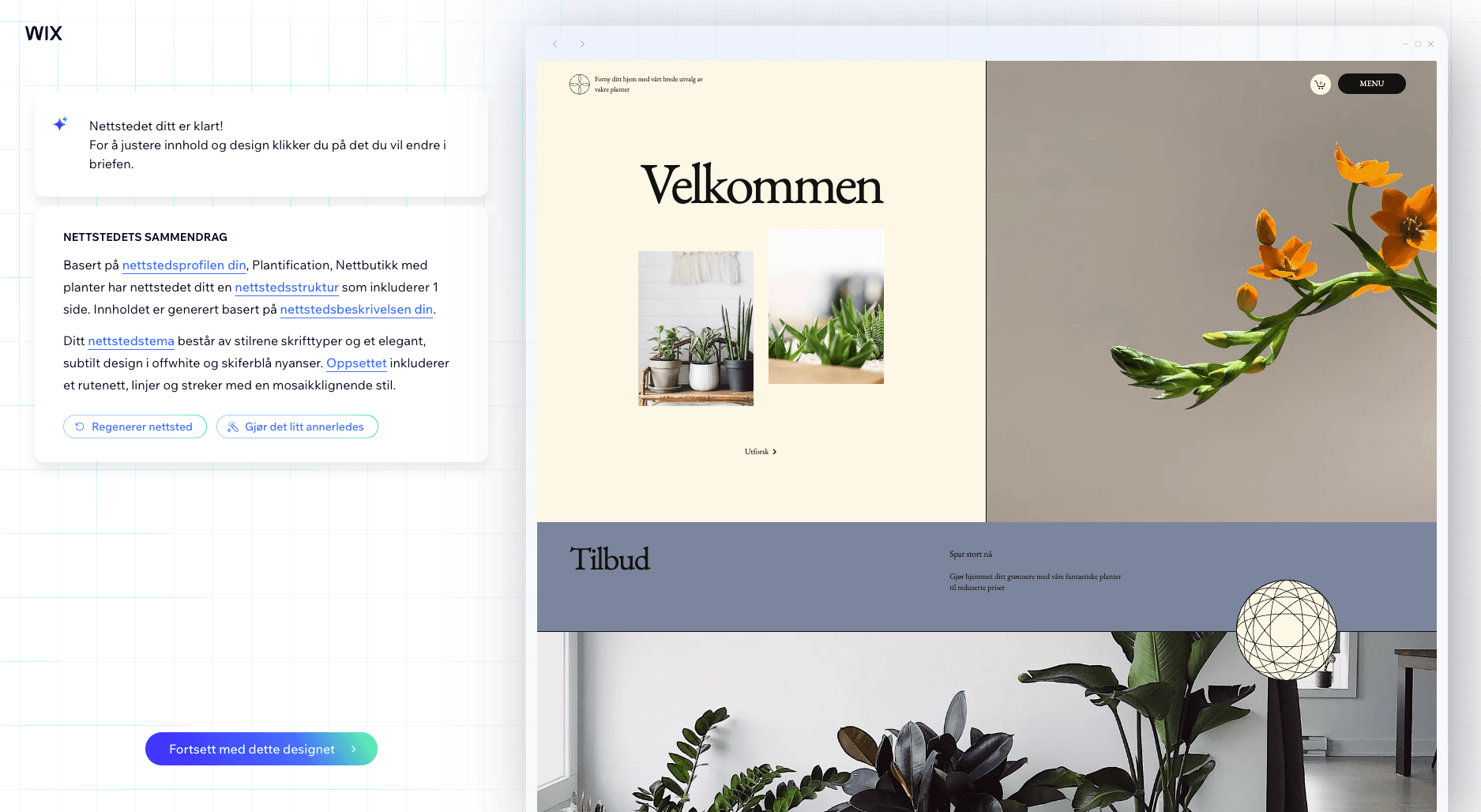
Wix is one of the most popular website building platforms, known for its ease of use and extensive features.
Price
Free to premium options. Recommended starting level is $17/month.
One can create a free website in Wix, but the free level forces you to use one wixsites.com subdomain, which may not be desirable. The free version will also cause Wix advertising to appear on your website.
Advantages
- Ease of use with drag-and-drop functionality
- Over 800 customizable templates
- Powerful e-commerce capabilities.
- 24/7 customer support and high security
Disadvantages
- Limited flexibility for advanced users
Description of functionality
Wix is known for its simple drag-and-drop functionality, which makes it ideal for beginners who want to create a website without technical knowledge. With over 800 customizable templates, you can easily find a design that suits your style and needs. It is easy to adapt the templates to your own preferences. They also have a large library of plugins (apps) that can be used with a few clicks. An example of such an app is the display of a TrustPilot widget.
Another big advantage of Wix is the powerful built-in e-commerce capabilities, which make it easy to set up an online store. Wix offers 24/7 customer support and high security, including an SSL certificate and threat prevention measures, which provide extra peace of mind.
On the other hand, Wix can be somewhat limited for advanced users who want more flexibility and customization.
Wix has recently introduced some AI functionality (AI, artificial intelligence). This functionality makes it even easier to get customized design and content for your website just by writing a few prompts.
Wix is a tool that is easy to use, but at the same time has everything you need to get started.
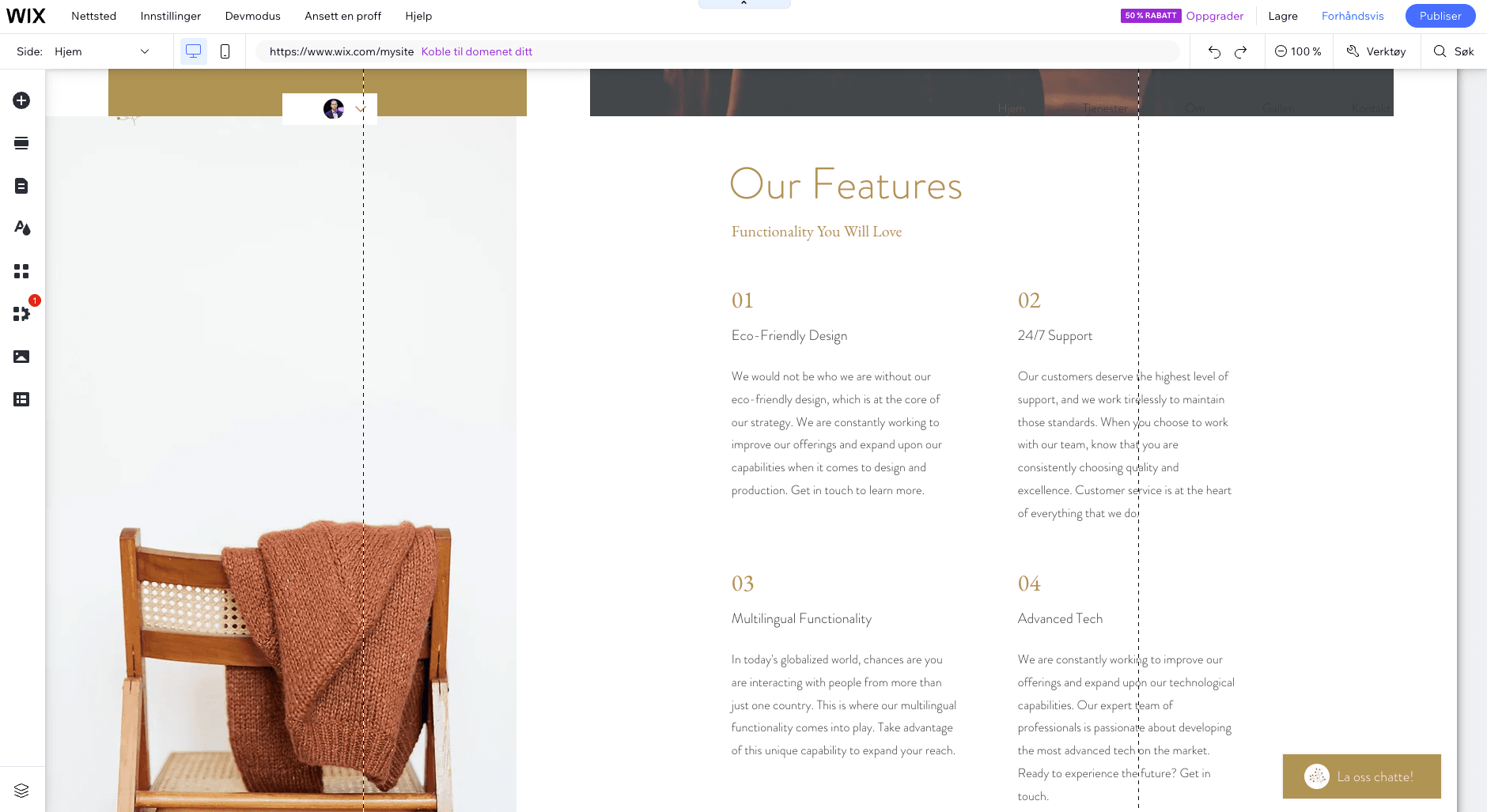
Assessment
- Price: 4/5
- Design: 3/5
- Ease of use: 4/5
- Functionality: 3/5
Squarespace: Best for simple design quality
Squarespace is the exclusive little brother of Wix. Squarespace is somewhat more expensive, but makes up for it with a beautiful design and very good user experience.
Price
Starts at NOK 179/month (paid annually up-front, NOK 249/month with monthly payment).
Starts at NOK 529/month for e-commerce (paid annually up-front, NOK 709/month with monthly payment).
Advantages
- Very good templates.
- Good user-friendliness of the editor.
- Premium feeling on the websites that are created.
- Powerful functionality such as e-commerce, blog, and more are readily available.
Disadvantages
- More expensive than other similar platforms.
- No options for a free website.
- The possibilities for deep tailoring, both design-wise and technically, are not as present as on certain other platforms.
Description of functionality
Squarespace is a platform that stands out for its focus on design and aesthetics, making it an ideal choice for creative users who want to create a visually appealing website. With Squarespace, you can easily create your own website using their modern and professionally designed templates. The platform offers user-friendly customization tools that allow you to easily adjust the design to your own preferences, without the need for technical knowledge.
One of the biggest advantages of Squarespace is the high quality of design and functionality. The platform gives you everything you need to create a stylish and professional website, including social media integrations and e-commerce options. This makes Squarespace a popular choice among those who want a website with a modern and professional look.
Although Squarespace can be expensive compared to other platforms, it is definitely worth the investment for those who value design and want to present their content in an aesthetically pleasing way. With Squarespace, you get a website that not only looks good, but also works seamlessly on both desktop and mobile devices.
Squarespace is not as beginner-friendly as Wix, but still feels easy to get started with.
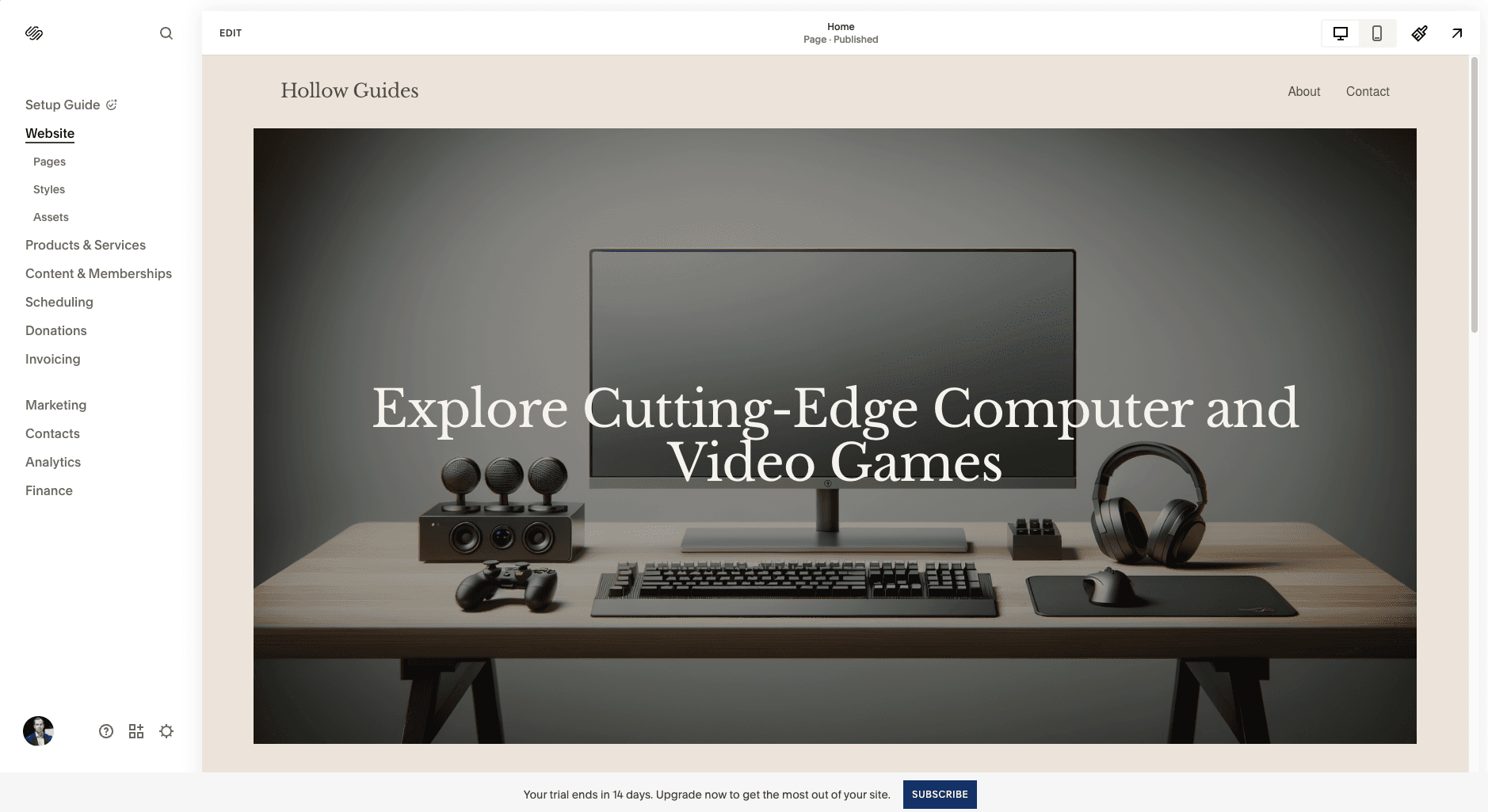
Assessment
- Price: 3/5
- Design: 5/5
- Ease of use: 4/5
- Functionality: 4/5
WordPress: Best for flexibility
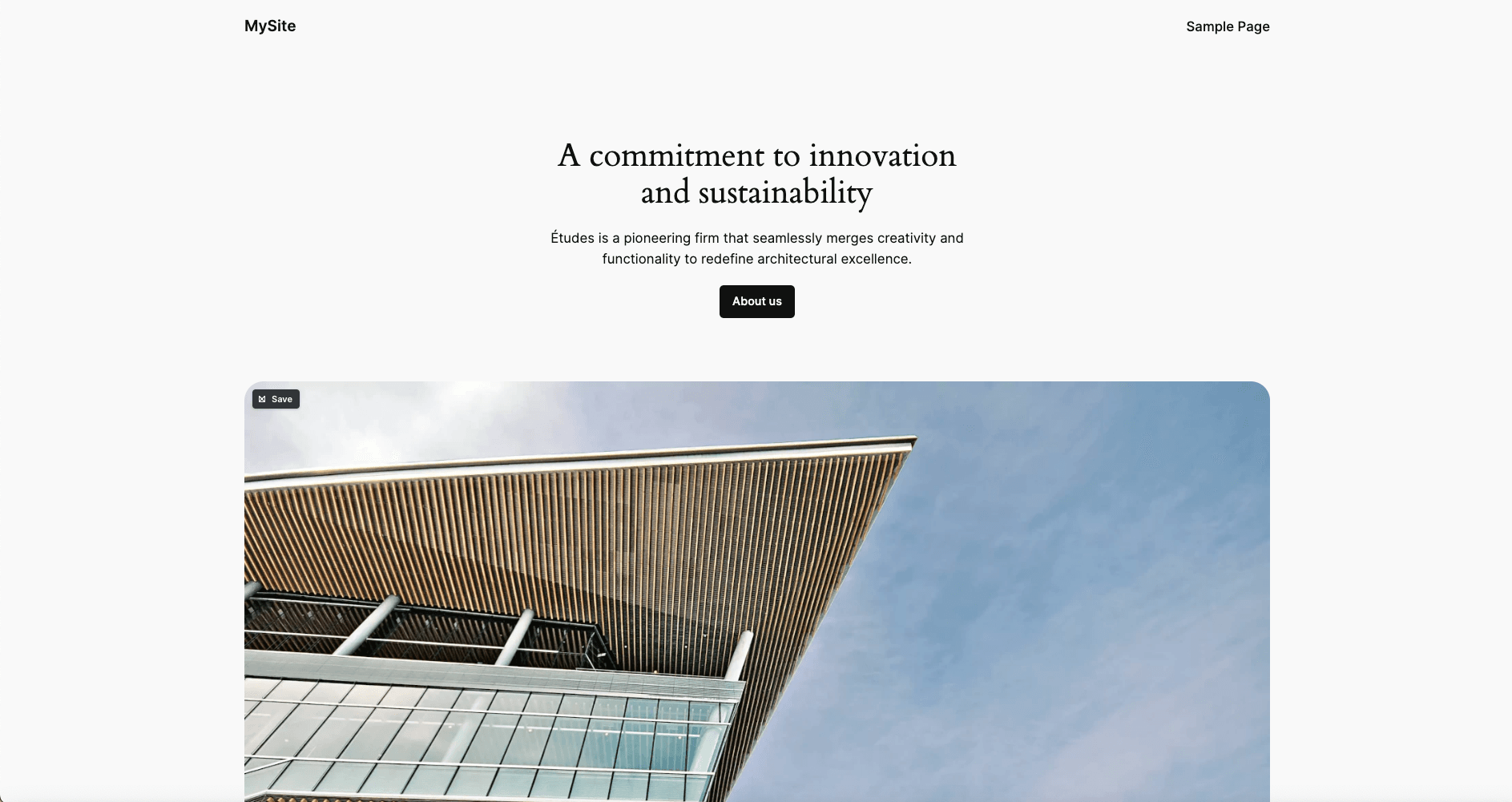
WordPress is the world's largest website builder and CMSsystem and runs over 1/3 of all the world's websites. Many of the people we come into contact with either want to create a website with Wordpress or already have one.
WordPress is basically free and open source software. WordPress.org and the WordPress Foundation are created to manage this software. One of the authors of WordPress has also created Automattic and Wordpress.com, which is a paid service for hosting WordPress pages.
Price
From free and up. A sea of different suppliers with different price models.
Wordpress.com has a version that gives you a free website. This has the same limitations as Wix's free level: Your website will be on a subdomain, e.g. dinside.wordpress.com, and advertising from Wordpress.com is on your website.
In Norway, we have dedicated web hotels from suppliers such as e.g. webhuset.no, which starts at NOK 15/month.
Advantages
- The world's most used website builder (by a large margin).
- Great flexibility in operating and hosting. There are literally thousands of services where you can host your website.
- Offered by many dedicated players in Norway.
- Enormous flexibility. Large library of plugins that can do almost anything you want.
- Easy to connect e-commerce functionality via WooCommerce.
- Possibility of complete tailoring in terms of design and technology.
- Has a robust and functionally rich built-in CMS.
Disadvantages
- Can quickly require technical knowledge to tailor.
- Far too many choices in terms of suppliers, technical solutions, templates and plugins. Easy to become paralyzed.
- WordPress' popularity also makes it an active target for hackers.
Description of functionality
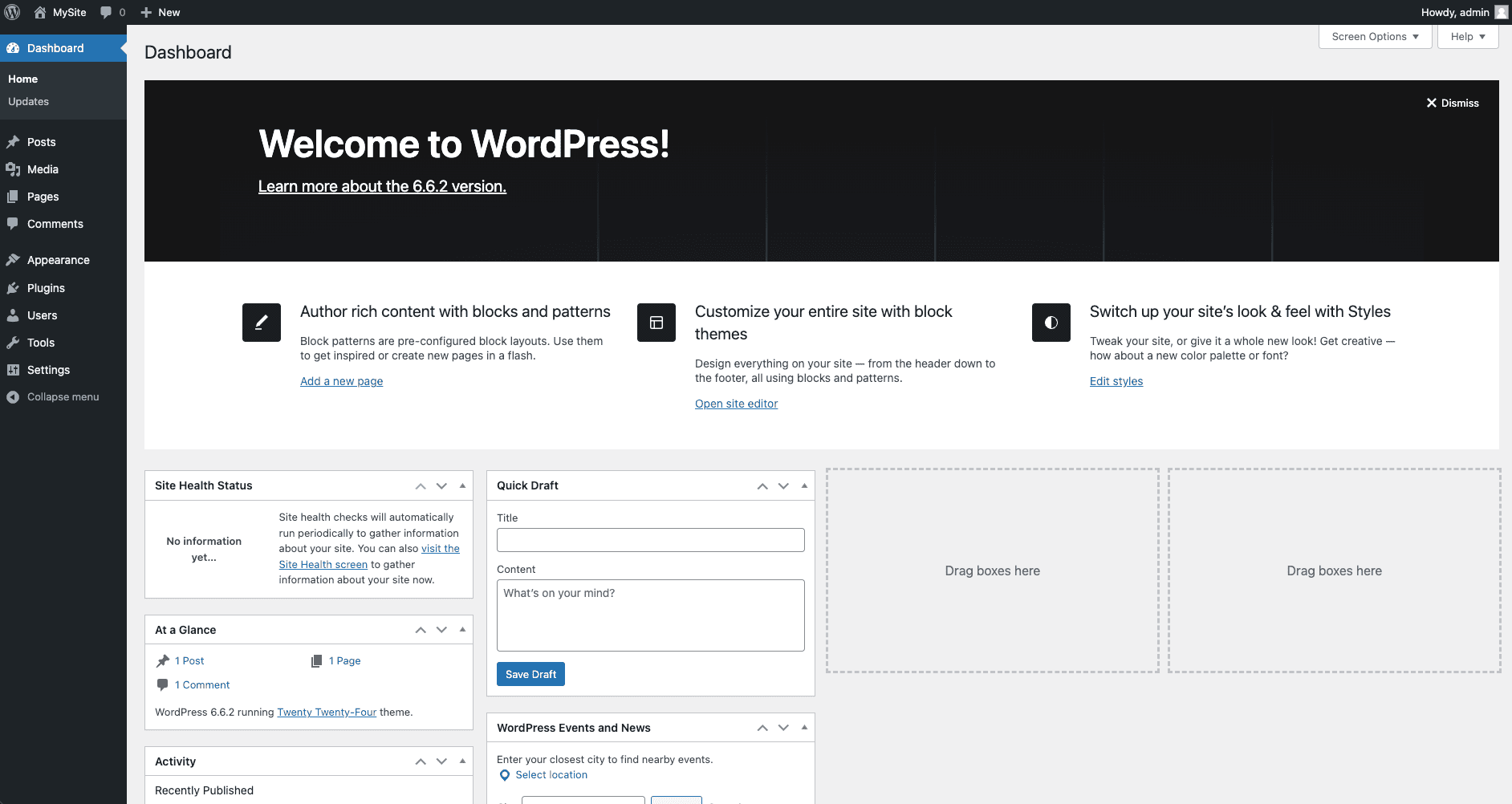
WordPress is undoubtedly one of the most flexible platforms available, giving users the freedom to build and manage different types of websites. With thousands of free and premium themes, you can customize your website according to your needs and preferences. If you have technical skills (can program in PHP, HTML, Javascript, CSS).
To get started, we recommend starting with a provider such as Wordpress.com, where you can easily set up a website.
If you want a page builder with user-friendly functionality, you can easily install a plugin that provides it. For example, Elementor is a very popular choice.
Due to WordPress's popularity, it is easy to find professional help for it, including from us.
At the same time, WordPress is a tool where it is easy to make a lot of mistakes. Many themes can be difficult to develop further, and if you are really unlucky, you can install plugins that open up your website to vulnerabilities and make it easier to hack. Many themes are also not at the top of the scale in terms of appearance and usability.
If you are a skilled developer and want to create a new website in WordPress from scratch, we recommend using Local.
Assessment
- Price: 4/5
- Design: 3/5
- Ease of use: 3/5
- Functionality: 5/5
Webnode: Best for small businesses
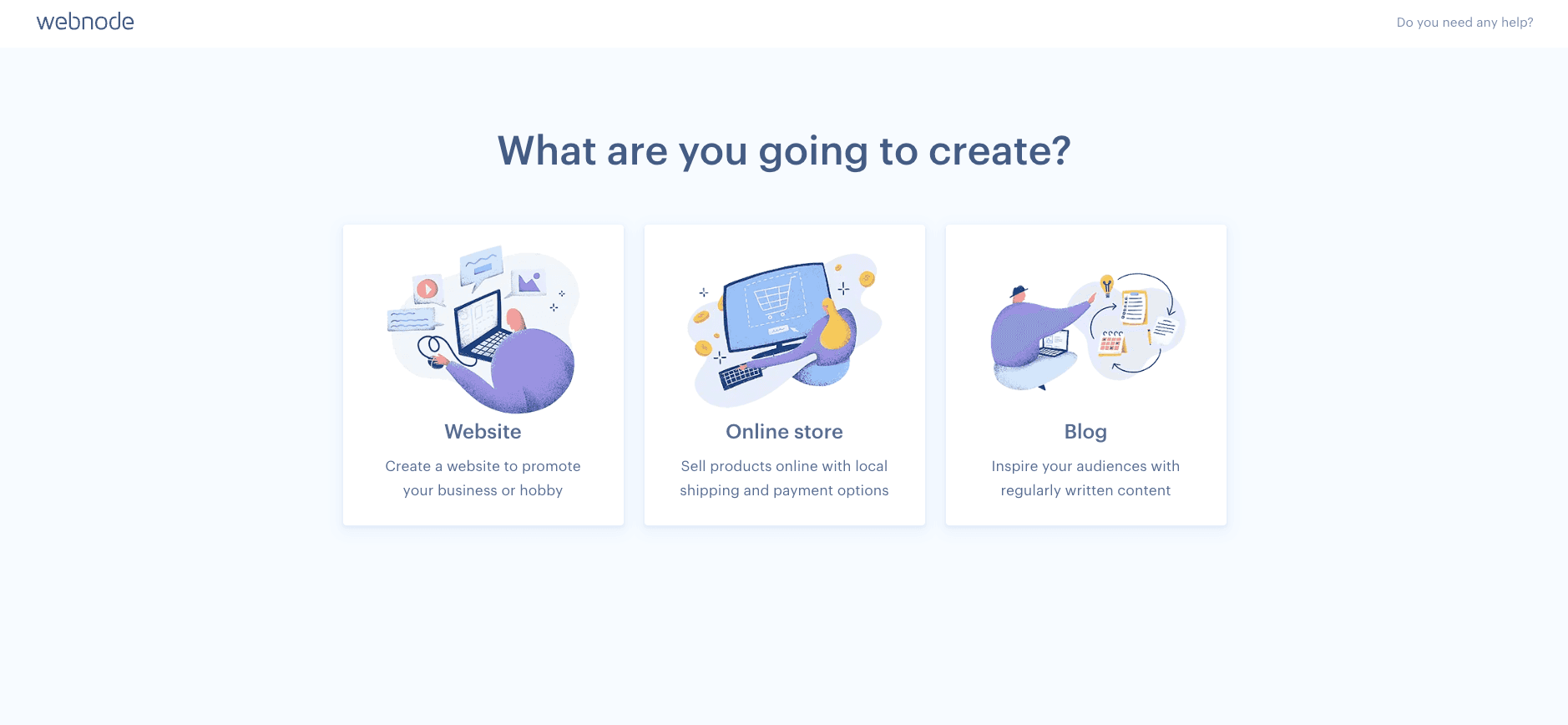
Webnode is one of the best platforms for small businesses, known for its ease of use and reasonable prices. It is a tool where you get started very quickly, and there is little to prevent you from starting up and launching a new website in a few minutes.
Price
Webnode has a free version. This has the same limitations as Wix's free version. If you want to use your own domain, you must buy a paid version.
Premium subscriptions start at NOK 45 per month. The most expensive subscription costs NOK 219 per month.
E-commerce opportunities start with their "Standard" plan which costs NOK 129 a month.
Advantages
- Cheap.
- Very easy to get started.
- Cheapest e-commerce solution apart from WooCommerce.
Disadvantages
- Simple system.
- Not as rich an ecosystem for plugins and extensions as most of the other services on this list.
Description of functionality
Webnode is known for being very easy to get started with, making it a popular choice for small and medium-sized businesses. Webnode is specially designed for websites that must be published in several languages. It is therefore a good alternative for those of you who have a multilingual audience.
Webnode has over 150 templates. This is a good amount, and the needs of many in the starting phase are probably covered by one of these. At the same time, this is a smaller template library than many of the other services in this list.
The website builder is perceived as easy and simple to work with. There is little excess and it is difficult to get lost.
Webnode is recommended for those who want to spend as little time as possible from start-up to launching your website. Or for those who need a cheap, paid and simple service.
Rating:
- Price: 4/5
- Design: 3/5
- Ease of use: 4/5
- Functionality: 3/5
Webflow: The designer's choice
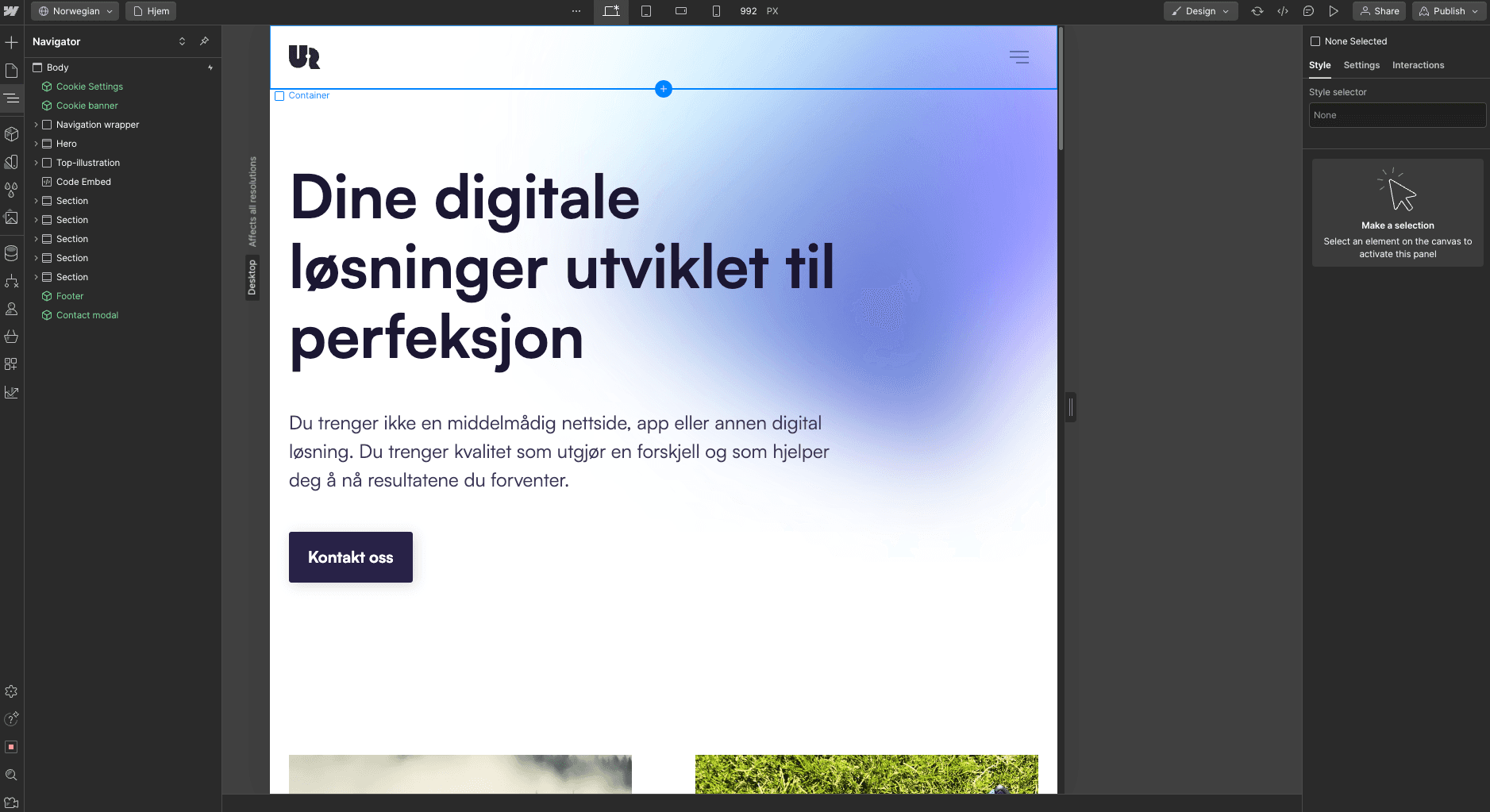
Webflow is the service that makes it easy for designers, who preferably know some HTML, to build websites quickly and efficiently. Webflow offers an interface where you can easily drag and drop elements onto your page and then customize them in any way that HTML itself allows.
Price
Webflow has a free tier. Here you can only create a website with 2 subpages, and you must use a webflow domain, e.g. yoursite.webflow.com.
Paid subscriptions start at $14 per month (paid annually, or $18 paid monthly). E-commerce starts at $29 monthly (paid annually, or $42 paid monthly).
Advantages
- Very powerful. Most things that can be built in pure HTML and CSS can be built in Webflow.
- Easy to use for designers.
- Easy to connect to both Webflow's CMS and e-commerce functionality.
Disadvantages
- Somewhat expensive if you need a simple CMS or e-commerce functionality.
- Steep learning curve.
- Needs some technical expertise to connect to third-party services.
Description of functionality
Webflow gives designers and developers the freedom to create complex and responsive websites without writing code. The platform combines the power of a professional design tool with the flexibility of a CMS, giving users full control over design and content. Webflow is particularly popular among designers who want to create unique and visually appealing websites without having to compromise on functionality.
In Webflow's CMS you can manage dynamic content, while their e-commerce solution allows you to build online stores with advanced features. Although Webflow can be challenging for beginners, the extensive documentation and training resources give users the support they need to master the platform. This makes Webflow a favorite among designers who want full creative freedom to create professional websites.
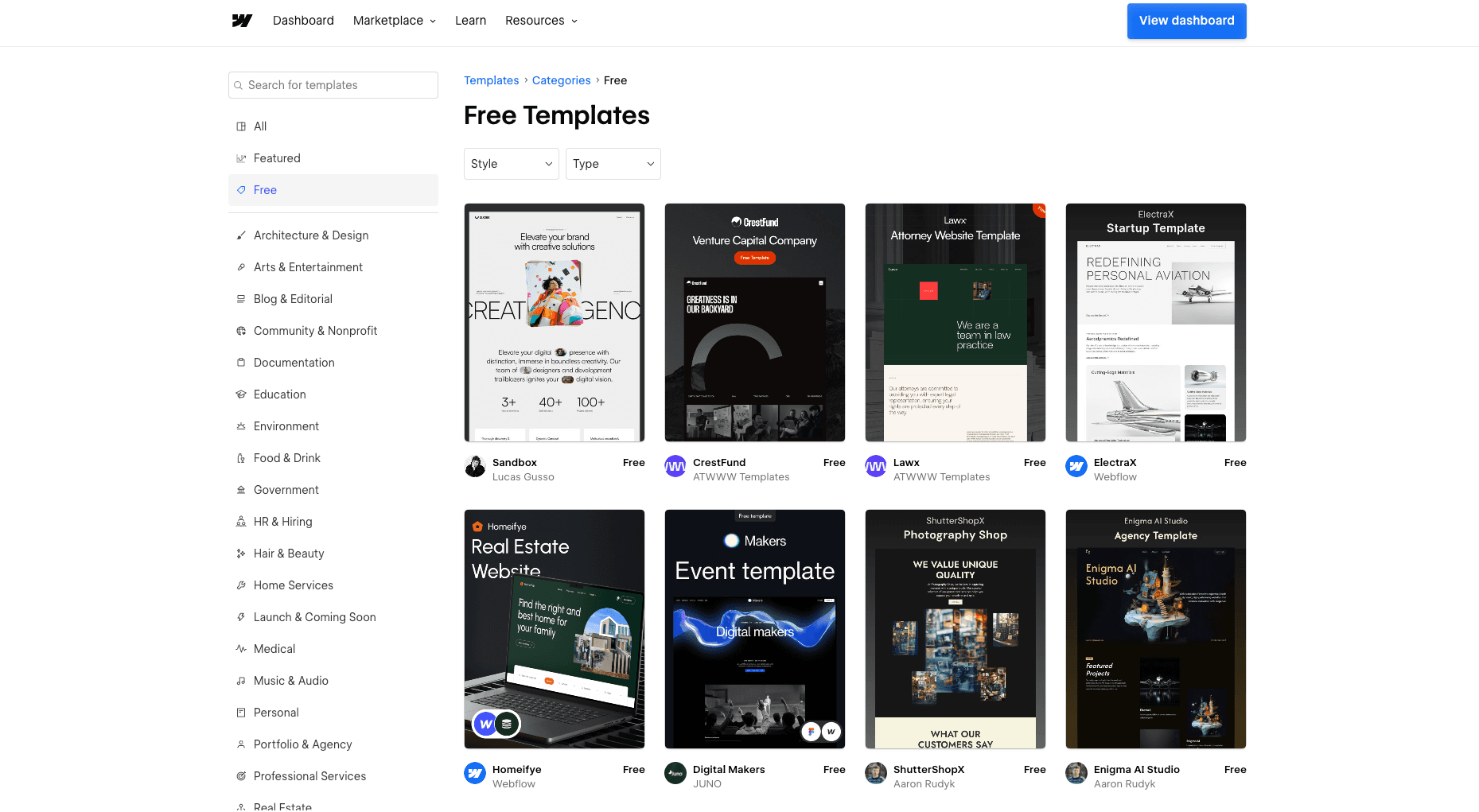
Webflow also has a large library of templates (over 6000). But several of them cost money. There is also a large library of "apps" that allow you to easily connect additional functionality.
Assessment
- Price: 3/5
- Design: 5/5
- Ease of use: 2/5
- Functionality: 4/5
Framer Sites: The Challenger
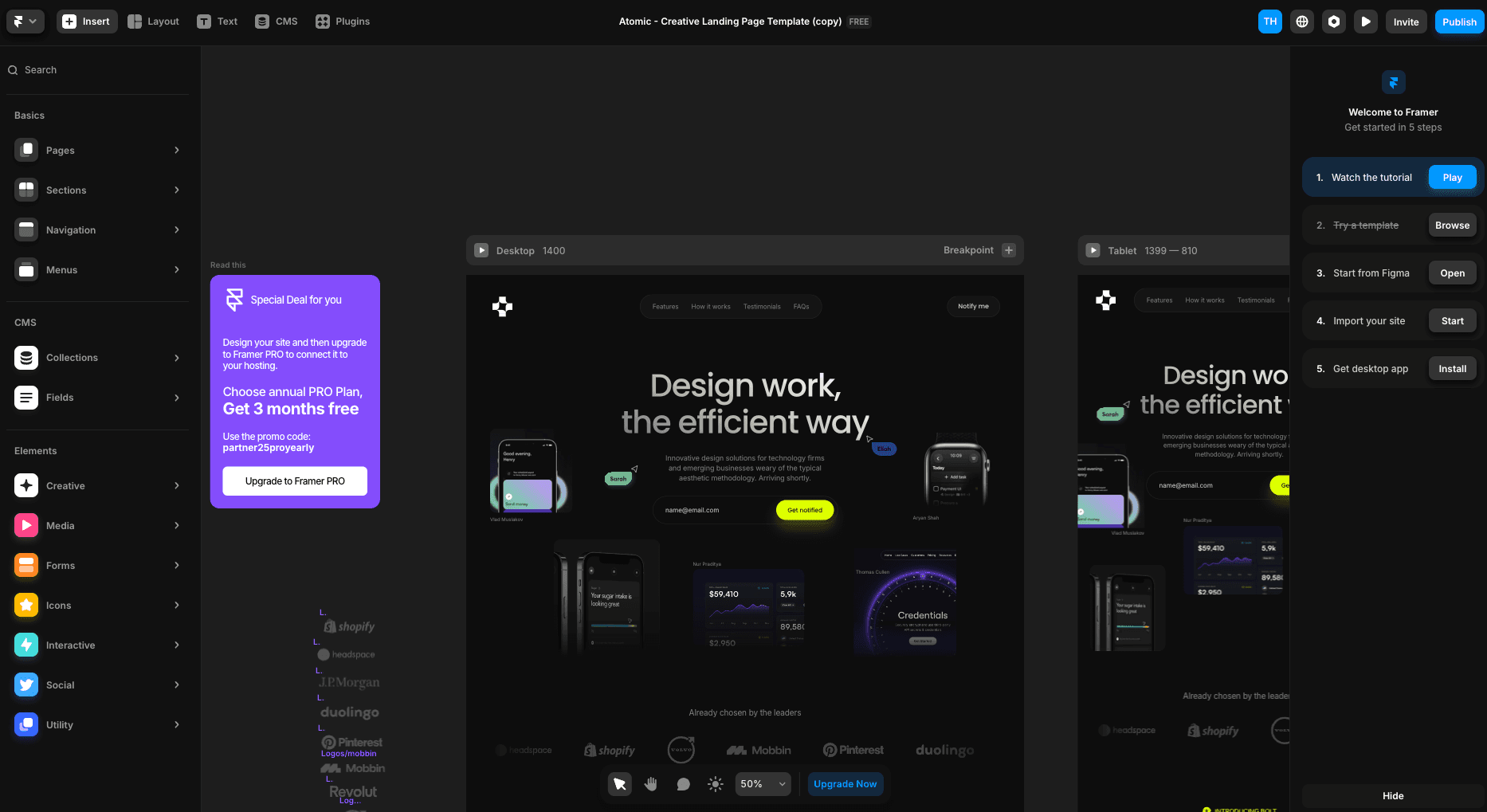
Framer Sites can be considered the challenger to Webflow. They market themselves as a service where it is easy to create beautiful websites. Framer is also a solution that appeals specifically to designers and people with some technical expertise.
Price
One can create a free website in Framer with their free tier for "hobby websites". They have the same limitations as Wix's free level: You have to use a framer subdomain and they will show Framer advertising on the page you create.
Paid plans, CMS allowances, and billing options change over time. Check Framer's pricing page for current prices and limits before choosing a plan.
Advantages
- User-friendly editor.
- Good setup for component reuse.
- Modern and nice UI.
- Lots of really good templates. Some paid, some free.
- Some plugins.
- Can import designs from Figma as a starting point.
Disadvantages
- Steep learning curve.
- Lack of opportunities for e-commerce.
Description of functionality
Framer Sites is a modern platform that challenges established website builders such as Webflow. It has been specially developed for designers and technically savvy users who want to create visually impressive websites with minimal effort. Framer offers an intuitive editor that makes it easy to drag and drop elements and customize them as needed.
One of the big advantages of Framer is its user-friendly interface and the ability to reuse components, which saves time and makes for a more efficient design process. The platform also has a modern and stylish user interface that appeals to designers.
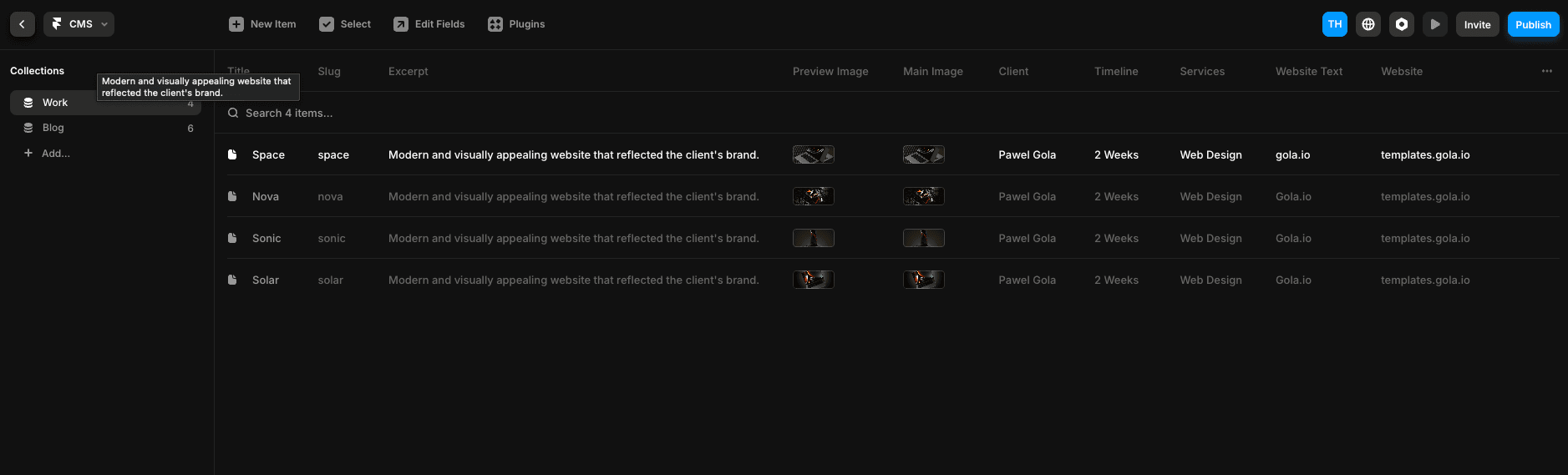
Framer Sites offers a range of templates, both free and paid, which give users a good starting point for creating unique websites. Although the platform lacks e-commerce functionality, it compensates with a number of plugins that can extend its functionality. Among other things, functionality that allows you to easily set up links to all your social media.
Framer also supports direct import from Figma, which is a strong selling point for designers.
Framer is ideal for those who want a modern and user-friendly platform with good design options, but who do not necessarily need advanced functions such as e-commerce.
Assessment
- Price: 3/5
- Design: 5/5
- Ease of use: 4/5
- Functionality: 3/5
Other notable platforms
There is much more to the world of website building than what we have gone through so far. There are hundreds of tools to choose from. Here are a few more that may be relevant for you who are going to create a website.
Weebly
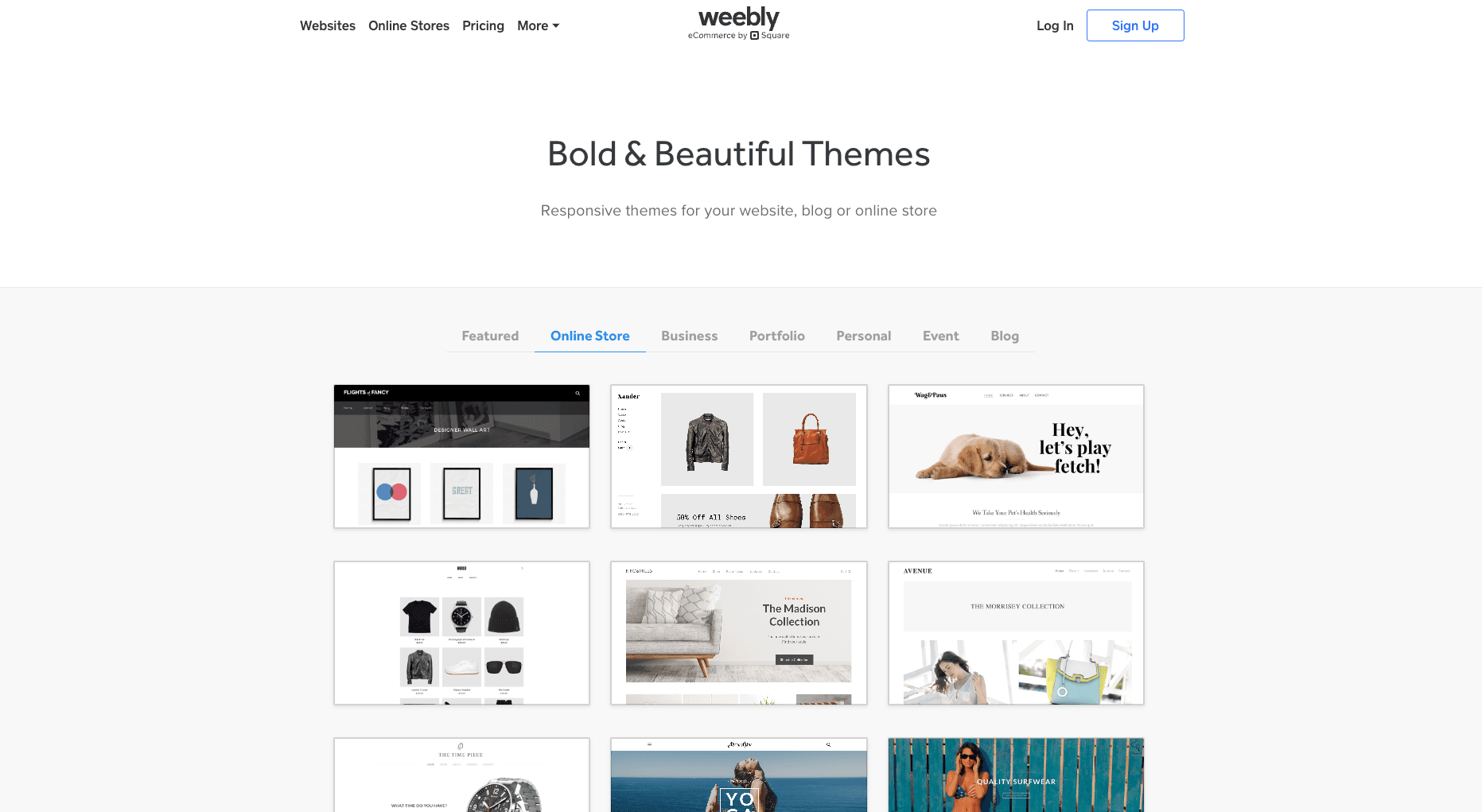
Weebly is a website builder with a focus on online stores/e-commerce.
Web.com
Web.com is a hybrid agency and website builder. You can either create the website yourself with their tools, or have them create it for you.
Jimdo
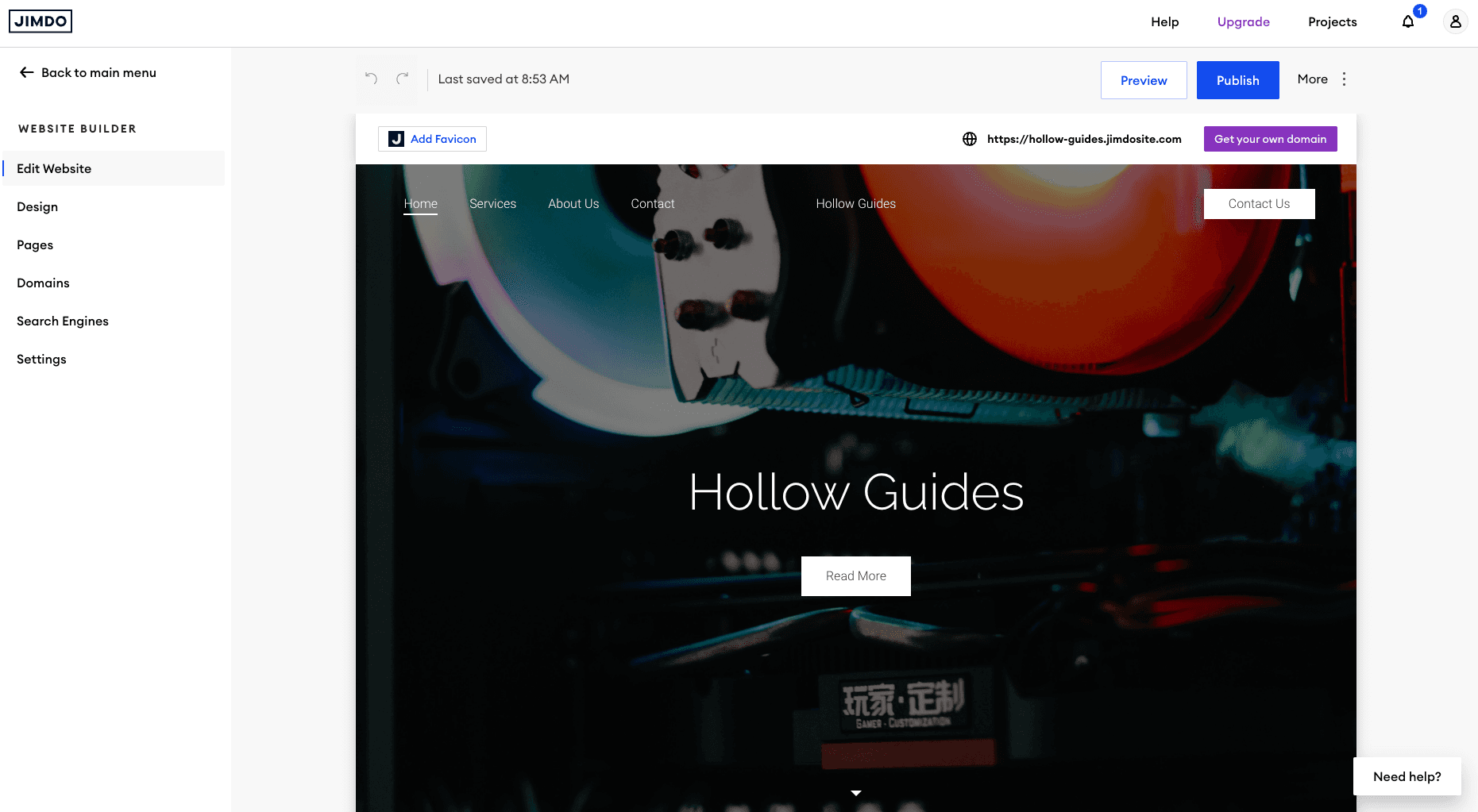
Jimdo is a simple website builder with options for e-commerce.
Duda
Duda is a website builder with particularly good functionality when it comes to analysis and optimization, within both CRO and SEO.
Tissue
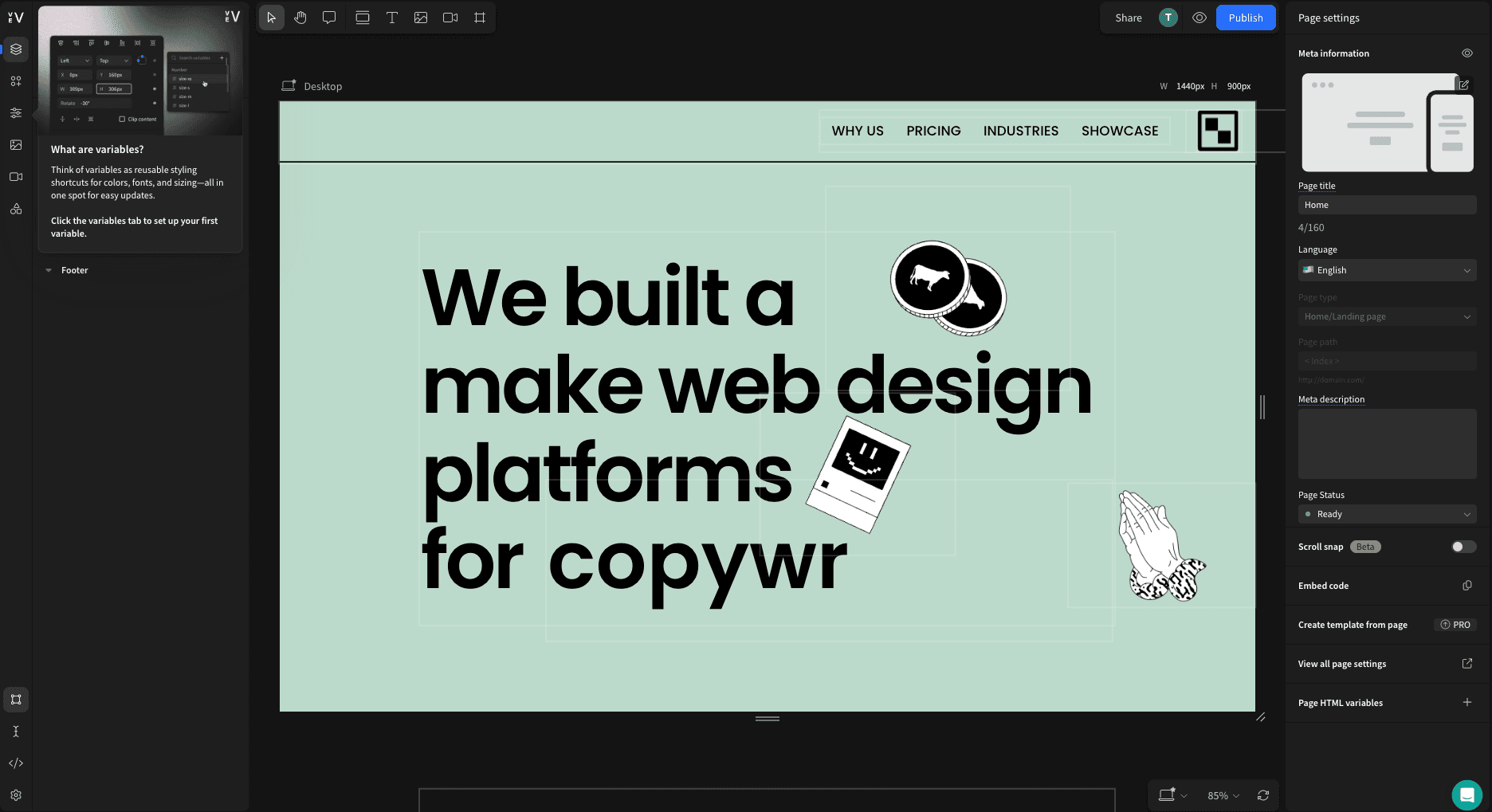
Vev is a Norwegian website builder with a main focus on visual storytelling.
Simvoly
Simvoly is a website builder with a focus on those who want to sell something on the internet.
Webador
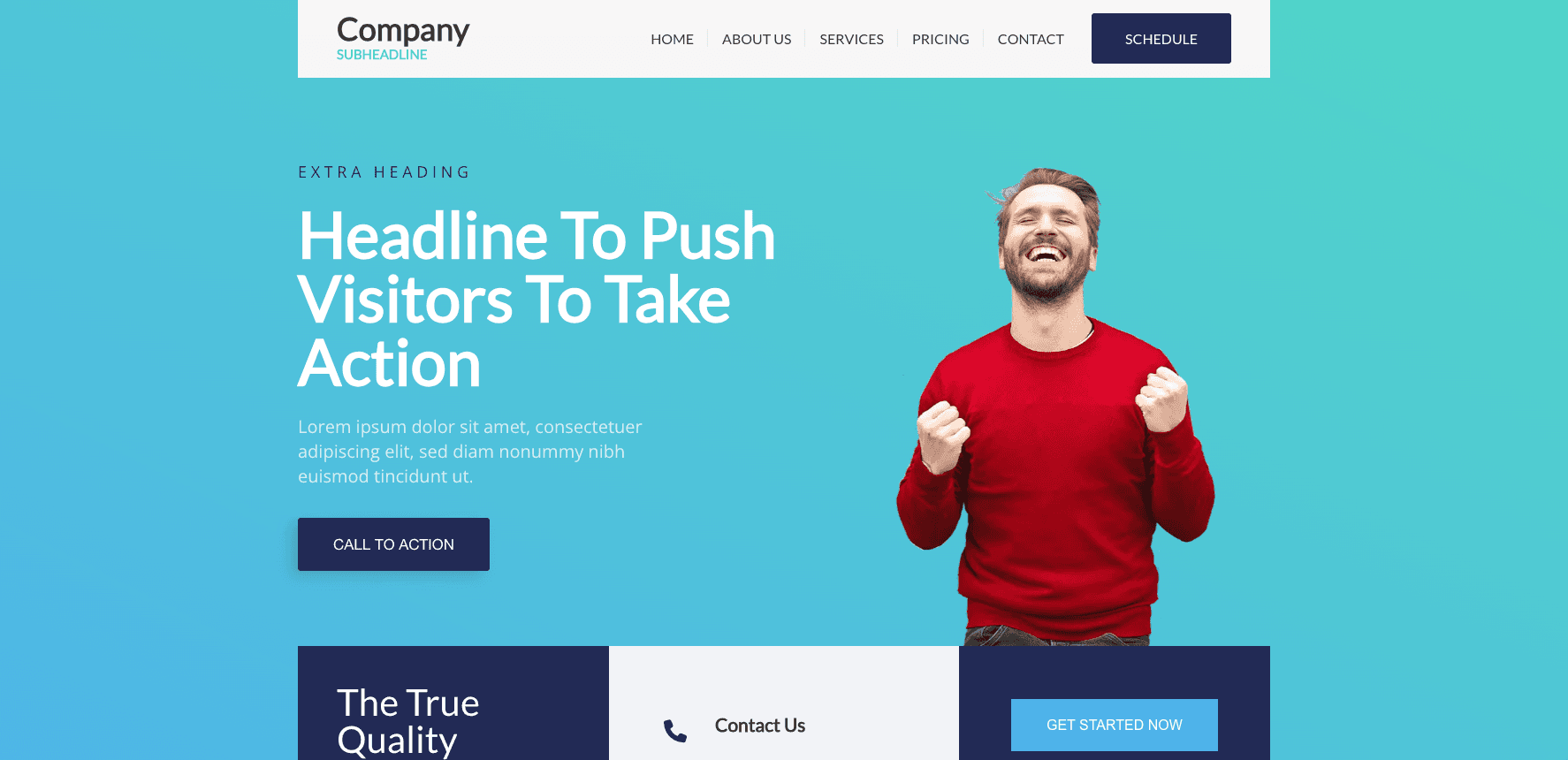
Webador is a Norwegian service that allows you to easily set up websites using AI.
Bubble
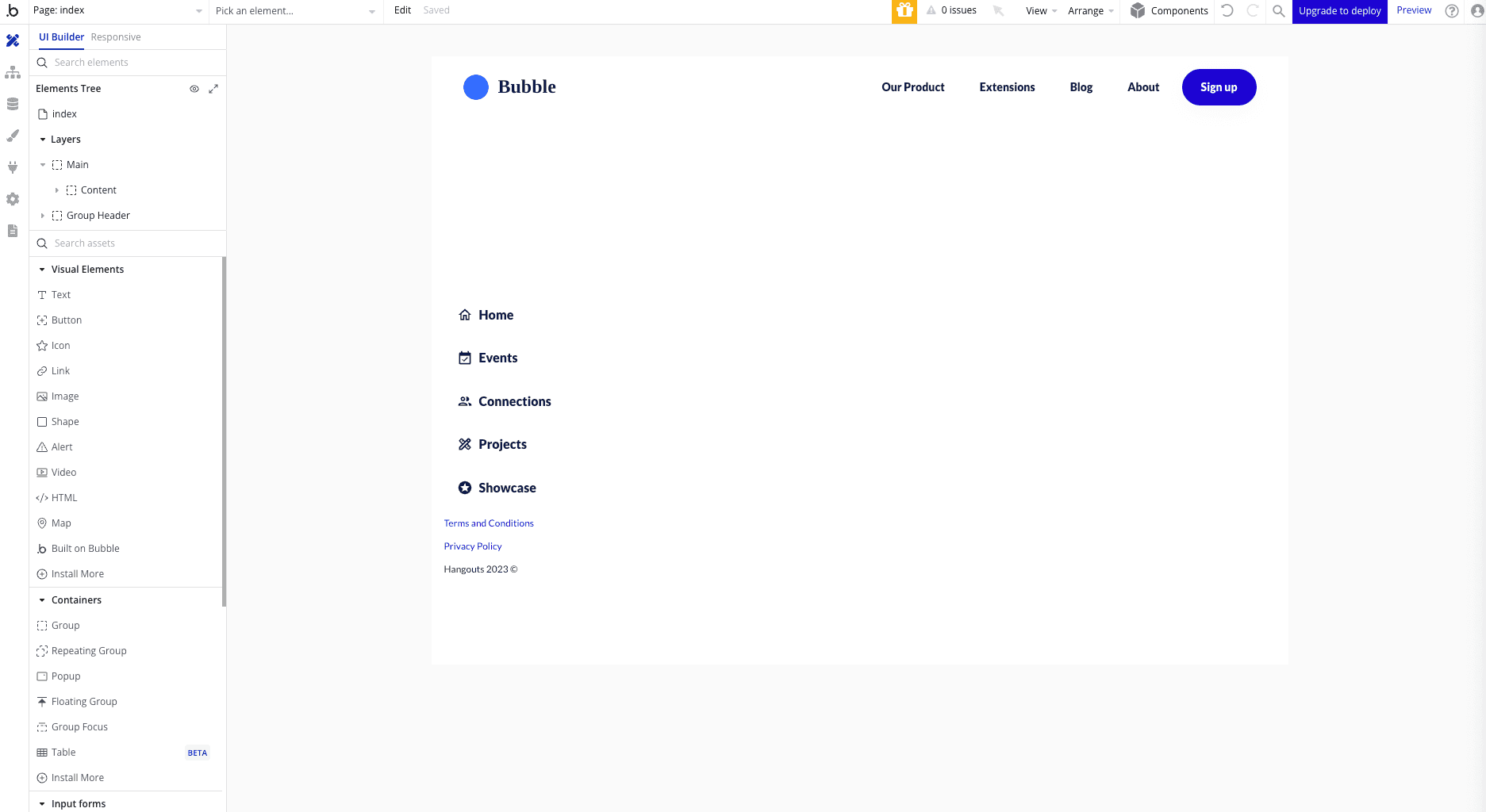
Bubble is a great No-Code platform that allows you to build interactive websites without code.
Canva
Canva is essentially a design tool for quickly creating simple digital graphics, but can also be used to publish simple websites.
Notion
Notion documents can also be published as very simple web pages. This is perfect if you just want to publish some simple information and share it on the internet.
Summary
Creating a website in 2024 is easier than ever, thanks to a variety of website builders available to suit different needs and skill levels. Wix is ideal for beginners with its easy-to-use drag-and-drop functionality and rich selection of templates. WordPress offers flexibility and scalability, making it a perfect choice for those who want full control over their website. Squarespace stands out for its focus on design, with professionally designed templates that appeal to creative users.
For small businesses, Webnode provides reasonable prices and a quick starting point. Whatever your goals, it's important to choose a website builder that meets your specific needs, whether it's ease of use, customization options, price, or customer support. With the right tools, you can build an effective and attractive website that helps you achieve your goals.
With the various platforms we have reviewed in this article, you have many good options to choose from. At the same time, you can save a lot of time choosing the right one, so think carefully about which platform you go for.
Are you going to build a website?
Create your own website completely free of charge
It is entirely possible to create a website completely free of charge by using a website builder that offers free plans. These plans may be limited in functionality and design, but they can be a good way to get started. For example, Wix offers a free plan that allows you to create a simple website at no cost. You can also use WordPress and choose a free theme or template to create your website. It is important to remember that even if you are not paying for the website itself, it may still cost something to buy a domain name and web hosting. This is necessary to publish your website and make it available on the internet. With these tools, you can create your own website completely free of charge and start building your online presence.
Get help to create your own website
If you find it challenging to create a website on your own, there are many resources and services available to help you get started. You may consider hiring a professional web developer or an agency that can handle the entire process for you. This can be a good investment if you want a custom design or have specific functionalities you want to include.
There are also many online courses and tutorials that can give you a better understanding of how to build a website. These resources can be especially helpful if you want to learn more about web design and development on your own.
For those who want a more personal approach, it may be a good idea to attend workshops or seminars on website building. Here you can get direct guidance and tips from experts, as well as the opportunity to ask questions and get answers in real time.
Whichever route you choose, it's important to remember that there are many ways to get help when creating a website. With the right support, you can create a website that meets your needs and goals.
Ur Solutions
At Ur Solutions, we have many years of experience in creating websites. Everything from small landing pages to large online stores. We are experts in taking a website from idea phase all the way to launch. We can help you with design, development, operation, SEO, CRO and more.
Our specialty is building websites that actually get you the results you need and that your customers love.
Get in touch for a non-binding offer.
Frequently Asked Questions
Why do I need a separate website?
A separate website located on a separate domain name is the way that the vast majority of companies today meet their customers digitally. An appealing website is an effective way for your customers and possibly new customers to easily get information about you and your company.
It's also a great place to publish contact information such as your company's phone number and email so that others can easily get in touch with you.
What is the best website builder for beginners?
Wix is the best website builder for beginners, thanks to its easy-to-use drag-and-drop functionality and a wide selection of customizable templates. This makes it easy for anyone to create a professional website.
Which website builder offers the most flexibility?
WordPress offers the most flexibility with its extensive range of themes and plugins, making it possible to customize websites according to specific needs. It is the best option for those seeking personalization.
Which website builder is best for small businesses?
Webnode is the best choice for small businesses thanks to its affordable prices and ease of use.
Which website builder should I choose if I value design?
Squarespace is the best choice for you who value design, with its modern and professionally designed templates. It provides outstanding aesthetics and ease of use.
If you are a designer and can design yourself, either Framer Sites or Webflow are recommended.
Is it possible to create a website without technical knowledge?
Yes, it is certainly possible to create a website without technical knowledge using platforms like Wix and Squarespace, which offer simple drag-and-drop features.
What website builders can I use if I have no technical skills?
Wix, Squarespace and Webnode.
Which website builder is most modern in 2024?
Webflow and Framer Sites are the most modern builders in 2024, but they are also among the more complex. Both Wix and Squarespace are holding up well in 2024.
When should I get my website developed technically instead of using a website builder?
The following points can be good reasons why you should have your website developed by technically professional developers:
- Your website is very large or is going to earn a lot of traffic, while you need a lot of control over exactly how your website works.
- You need many and tailored integrations, e.g. with Stripe or Vipps.
- When you are very busy a CRO, SEO and other technical aspects.
Technical development of websites has become significantly cheaper over the years, and you can now have tailor-made websites developed for a very reasonable price. The right technical providers can make a big difference.


