



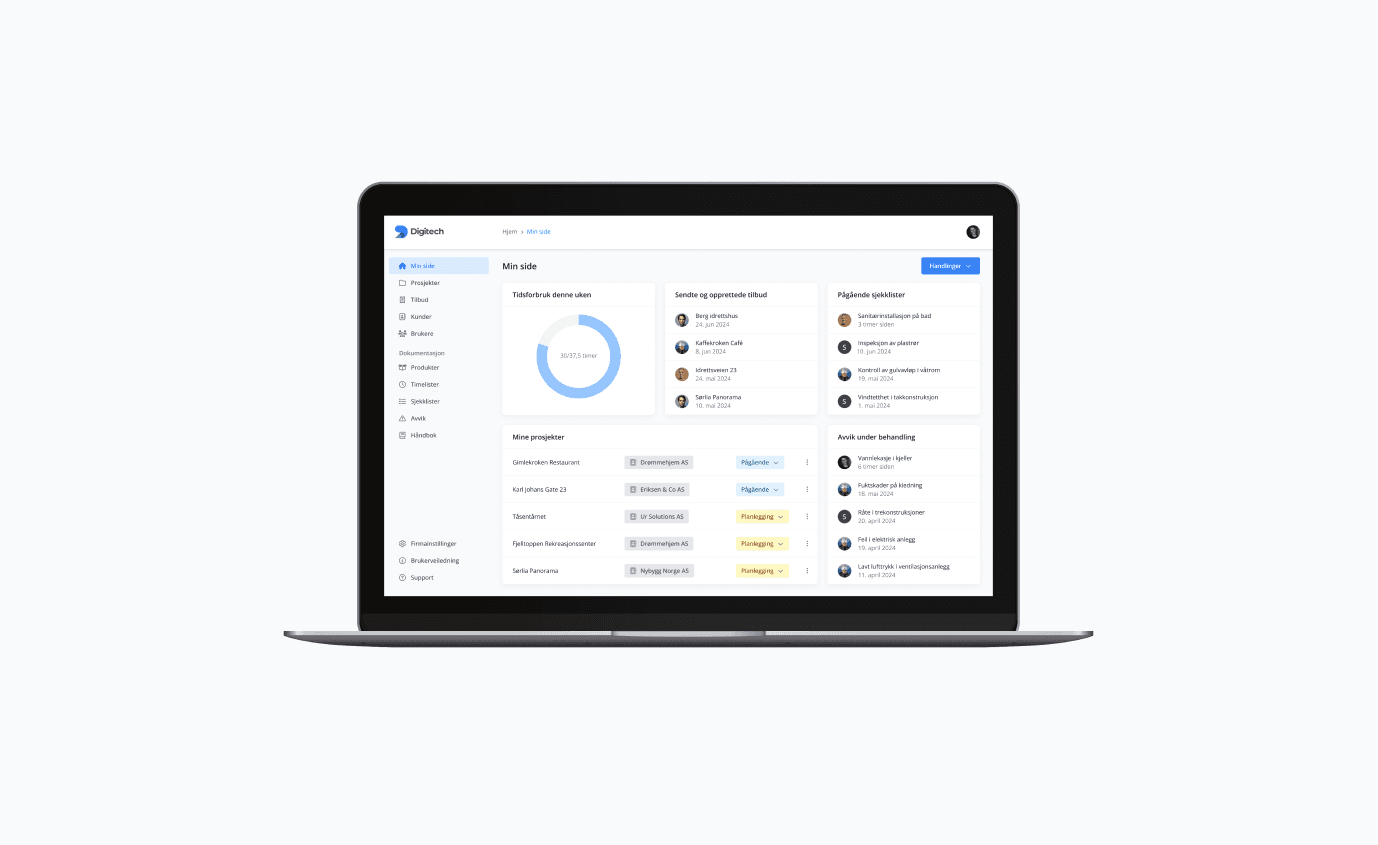
What is a web application?
A web application — or web app — runs in the browser but behaves like an app on your phone or computer. Users don't download anything from an app store, and you don't maintain separate versions for iOS, Android, and desktop.
Unlike a traditional website, which mainly presents content, a web app lets users do things: fill in, calculate, collaborate, and see content update without reloading the page.
Web app, website, or native app?
Roughly speaking:
- Website: presents content — right when the goal is visibility and information.
- Web app: functionality in the browser — right when users need to get tasks done, without the friction of installing an app.
- Native app: installed from an app store — right when you need deep access to device features or maximum performance.
- Progressive web apps (PWAs) can offer installation, offline use and push notifications. Support varies by browser and device, so these capabilities need to be built and tested for your audience.
Security and reliability
A web app handling user data must be built safely from the ground up: encrypted communication, solid authentication and access control, and error handling that keeps the app predictable even when things go wrong. These aren't add-ons we bolt on at the end — they're part of the architecture from day one.
Define the scope before building
Start with the task the user needs to complete, and decide what the first version must include. Test the central user journey in a prototype before building the full solution. Integrations, user roles, data migration and offline requirements affect both architecture and effort.
Plan for life after launch as well: who investigates errors, updates dependencies and assesses new needs? Clear responsibility for operations and maintenance matters as much as a launch date.


