

For the record: This article was written by a human, not by ChatGPT. We reserve the right to both typos and questionable grammar.
In the latter half of 2022, a number of generative AI models appeared that everyone could try. DALL-E 2, Midjourney and Stable Diffusion created images, while ChatGPT created text. Computers suddenly showed skills we previously primarily connected with competent people.
There was also no shortage of cases with headlines such as "Will DALL-E take my job?” and "Is ChatGPT the end for Google?". The Economist also wrote about theme, and used Midjourney to create a front page.
Of course, I could spend even more time pondering how fast I myself am becoming replaced by the next generation of AI. Instead, I decided to do something a little more useful: using the technology to make something.
At Ur Solutions, we work with digital products, from idea and design to development, launch and operation. Generative AI can already help with, among other things SEO content, as long as you are aware of how Google evaluates it, headings, draft text and illustrations. But can AI simplify an entire creative process when we create websites, web apps and apps?
Put another way: Can I make something better or faster with these tools? than I could before? That is the question I explore here and in the following articles the series.
The task is simple: I will create a portfolio website for a fictitious architect whose name is Tormod Haugland. The tools are:
- Idea and visual direction: Midjourney
- Design: Figma and Photoshop
- Development: Next.js with Tailwind CSS
- Text: ChatGPT
- Publishing: Vercel
- CMS: Sanity
Then we get started.
Step 1: Idea work
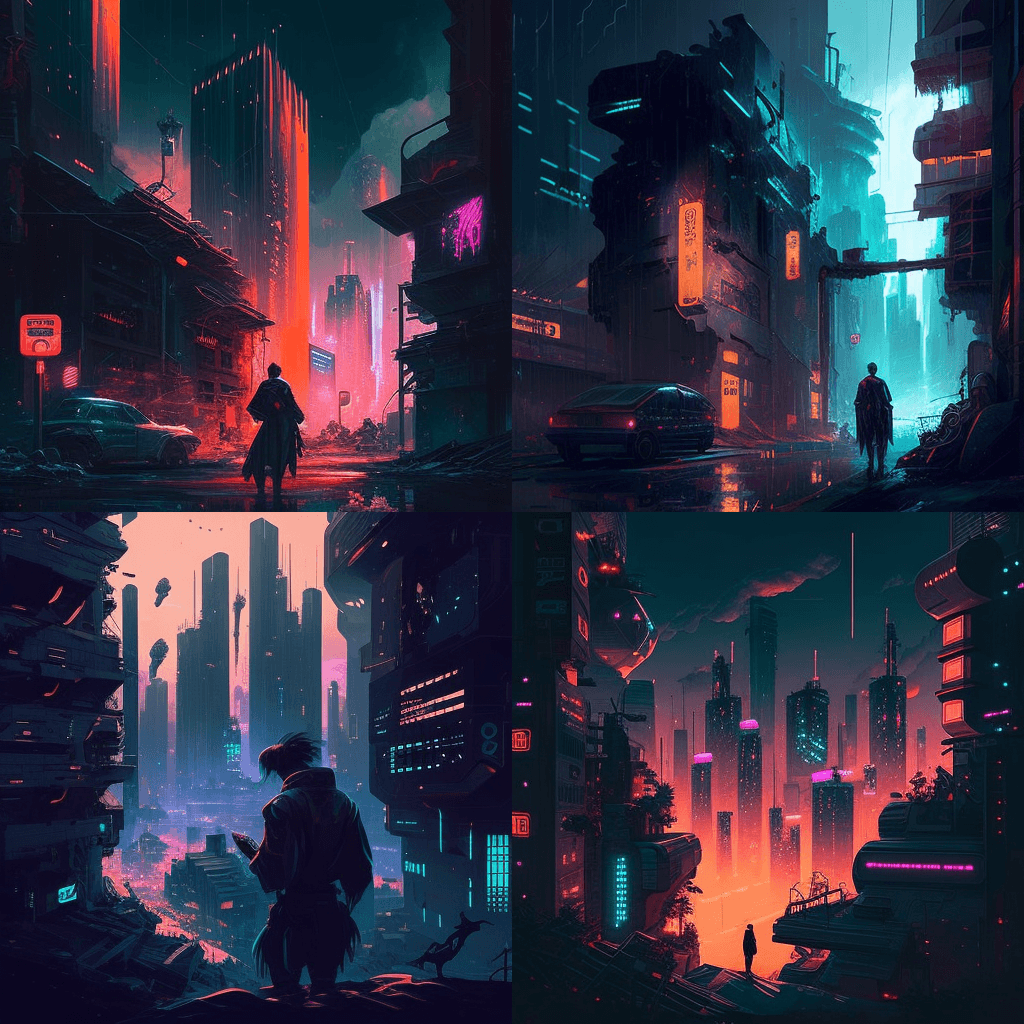
Midjourney was at this point a pass-through service only Discord. You wrote what kind of picture you wanted, and got pictures based on that the description. A query such as "cyberpunk cityscape" could yield, for example this:
And "open world RPG adventurer game" could provide this:
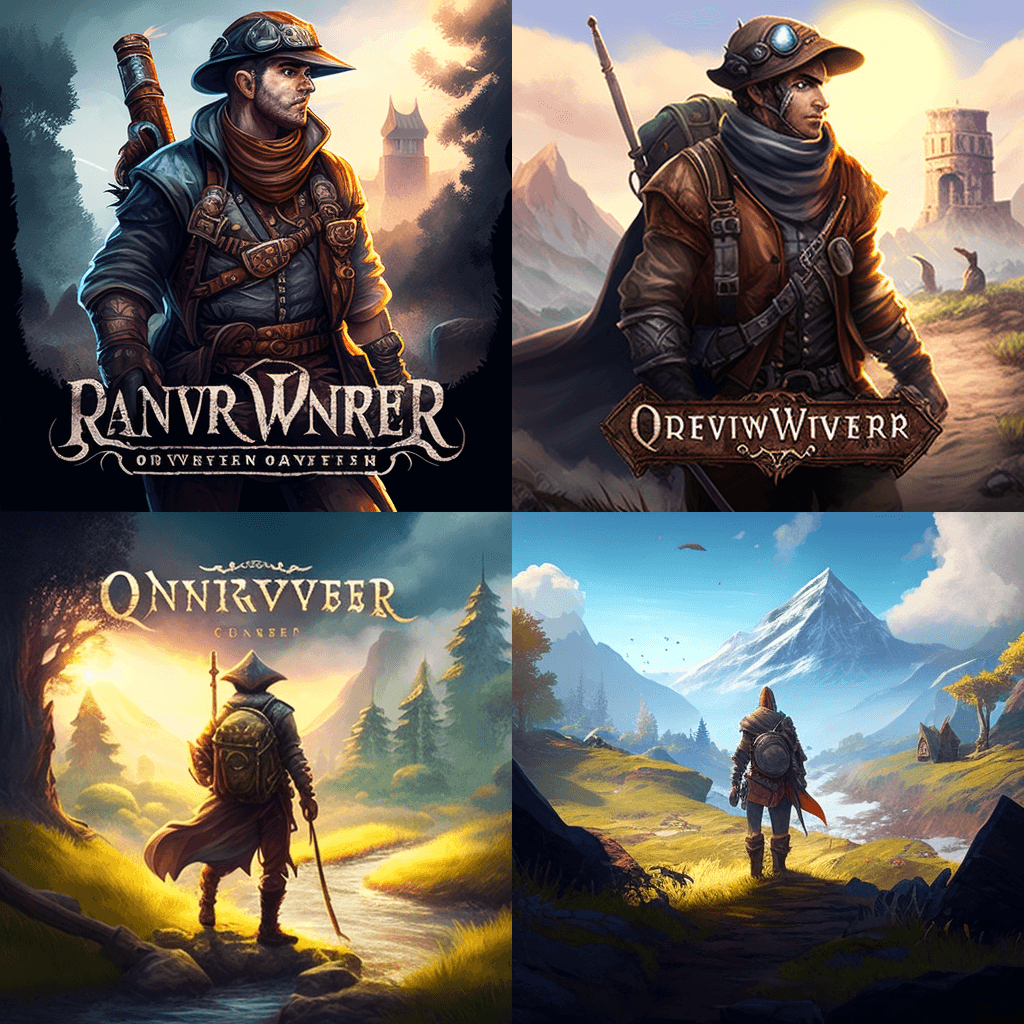
Anything you can describe with text, Midjourney can try to turn into images. DALL-E and Stable Diffusion work in similar ways but use different models and training data.
Midjourney offers four suggestions as a starting point. From there you can select an image and work on it or scale it up.
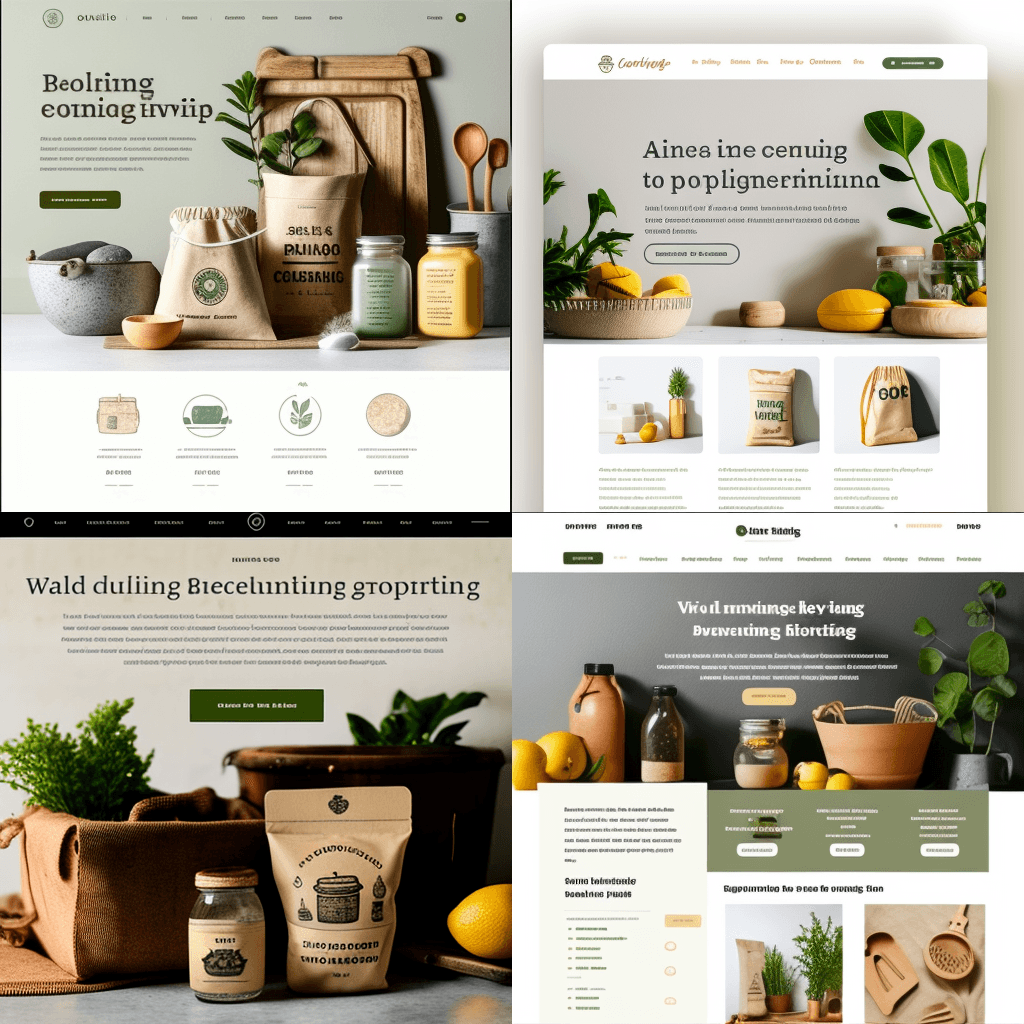
What happens if we ask the tool to create a website? First I tried an online store for sustainable interior products:
Then a website for a game for children:
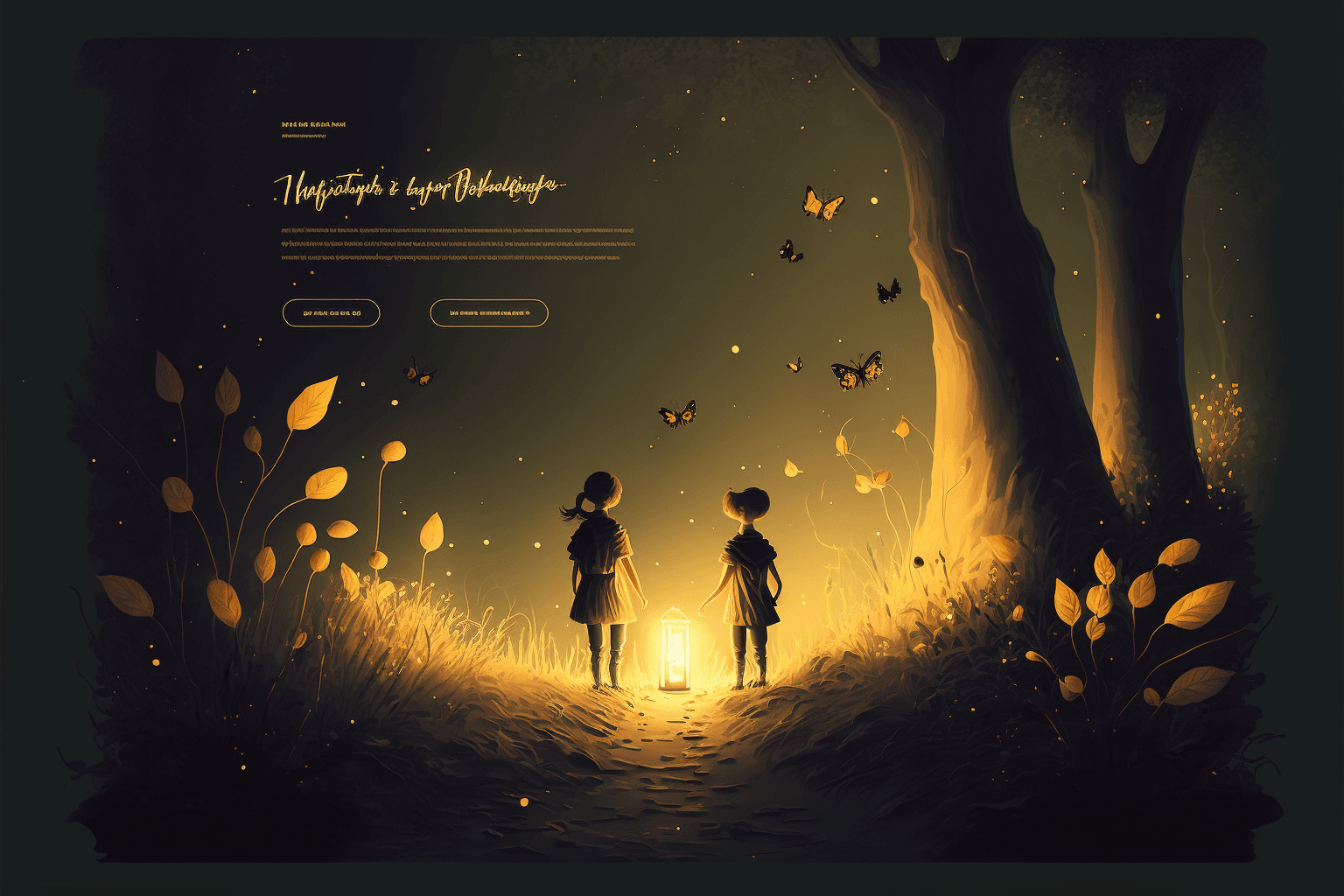
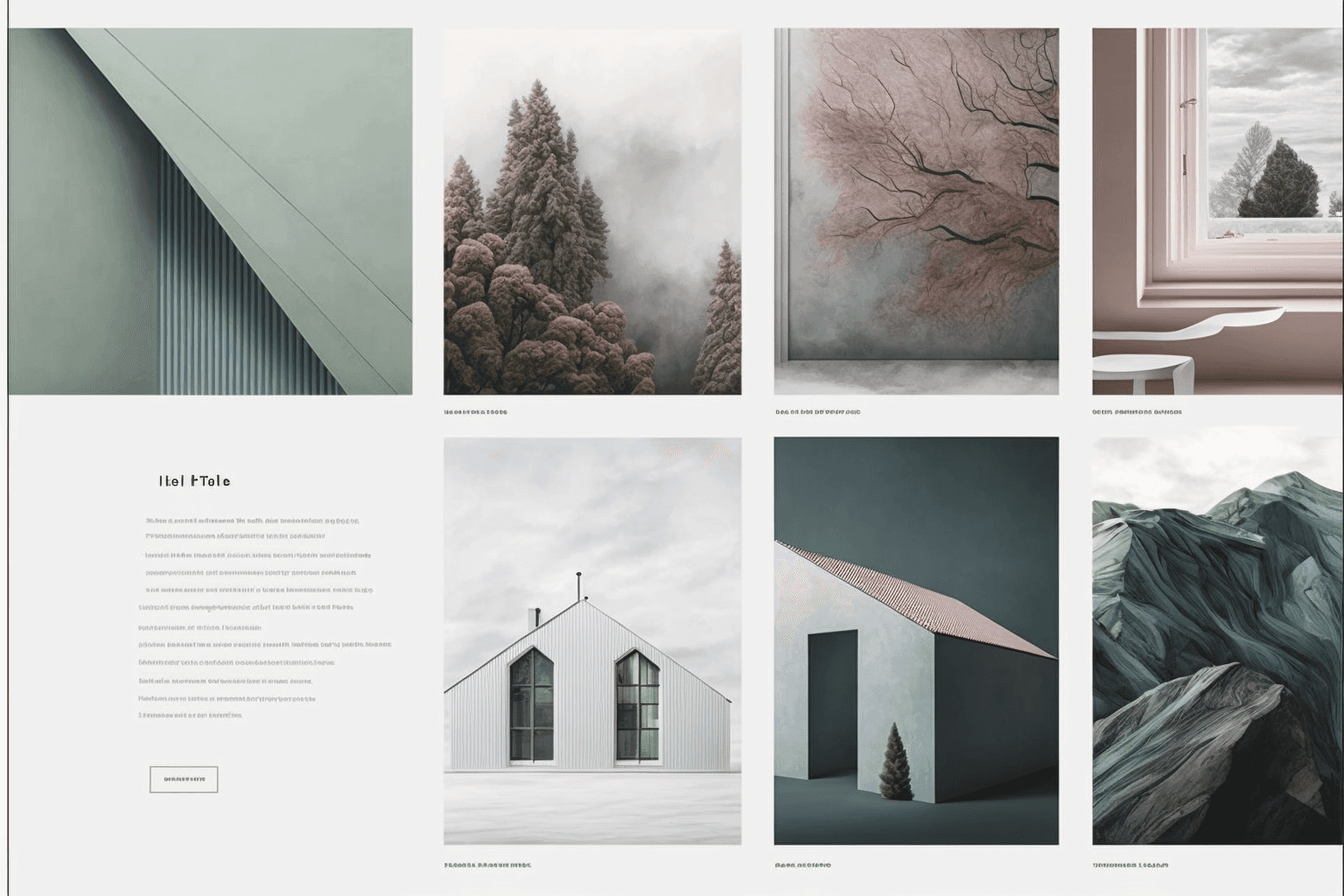
At first glance, the results look good. Midjourney has a clear look for composition, and the suggestions contain elements, images and colors that could have been made by a professional team. However, the text makes no sense. Neither letters, words or typography correspond to something we can use directly. It is not a finished website, but it is a starting point.
Then I asked Midjourney to create a portfolio website for an architect. Proposal number two, three and four were close to the direction I had envisioned. I chose number two because it was simple and already had a clear action button.
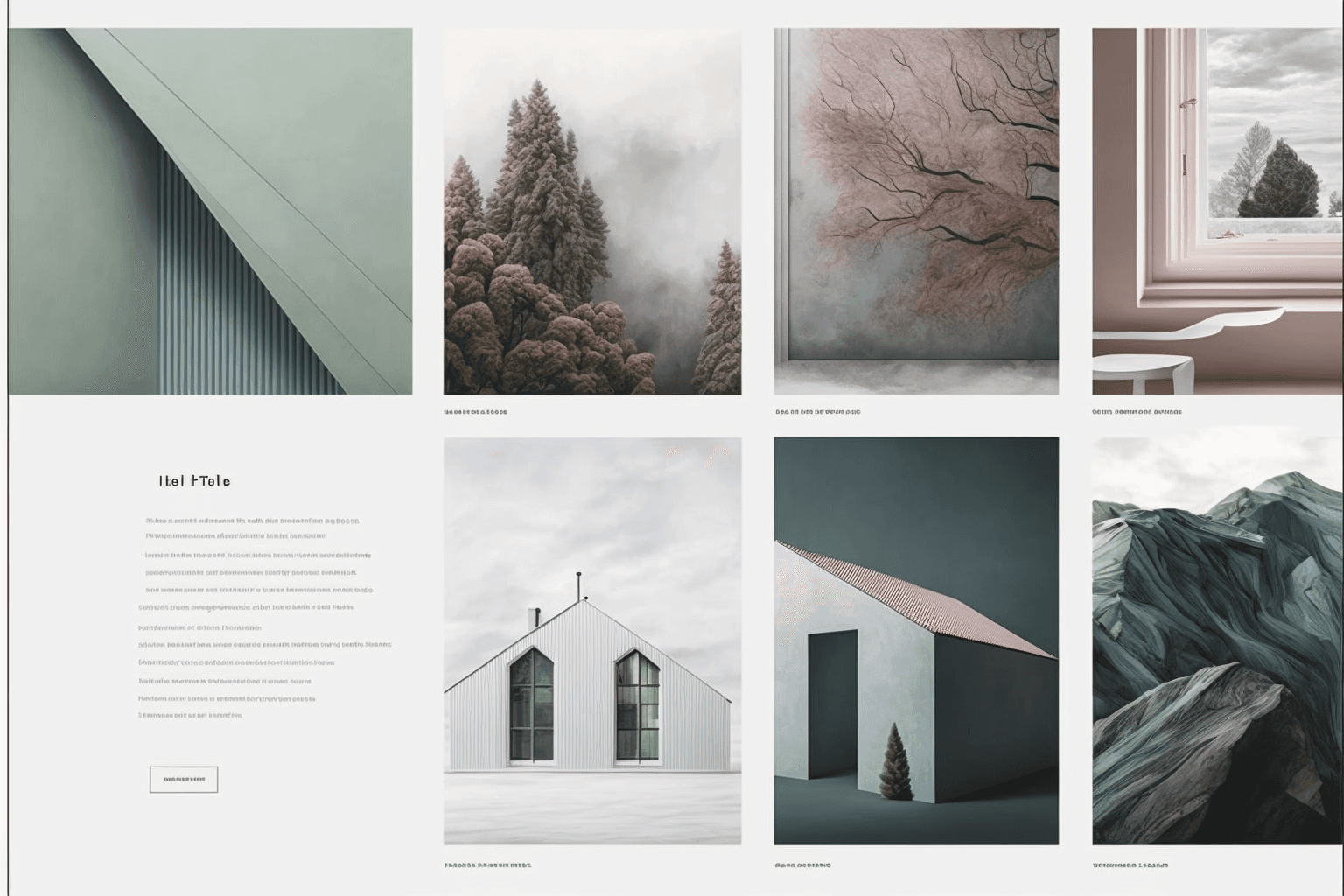
Step 2: Design: 10 minutes in
The next step was to turn the idea into a design that could actually be built. In theory I could jump straight to code and improvise along the way. I know my own artistic abilities well enough to know that it was safer to reproduce the proposal in Figma first.
I put the image into Figma, created a frame the size of a 16-inch MacBook Pro, 1728 × 1117 pixels in Figma, and started rebuilding the page.
The hardest part was finding the right font, size and color. After a bit
test I landed on Raleway to
the headings and Nunito to the body. I also made a color scale of nine
shades around the brown-grey main colour #706868.
The result was as follows:
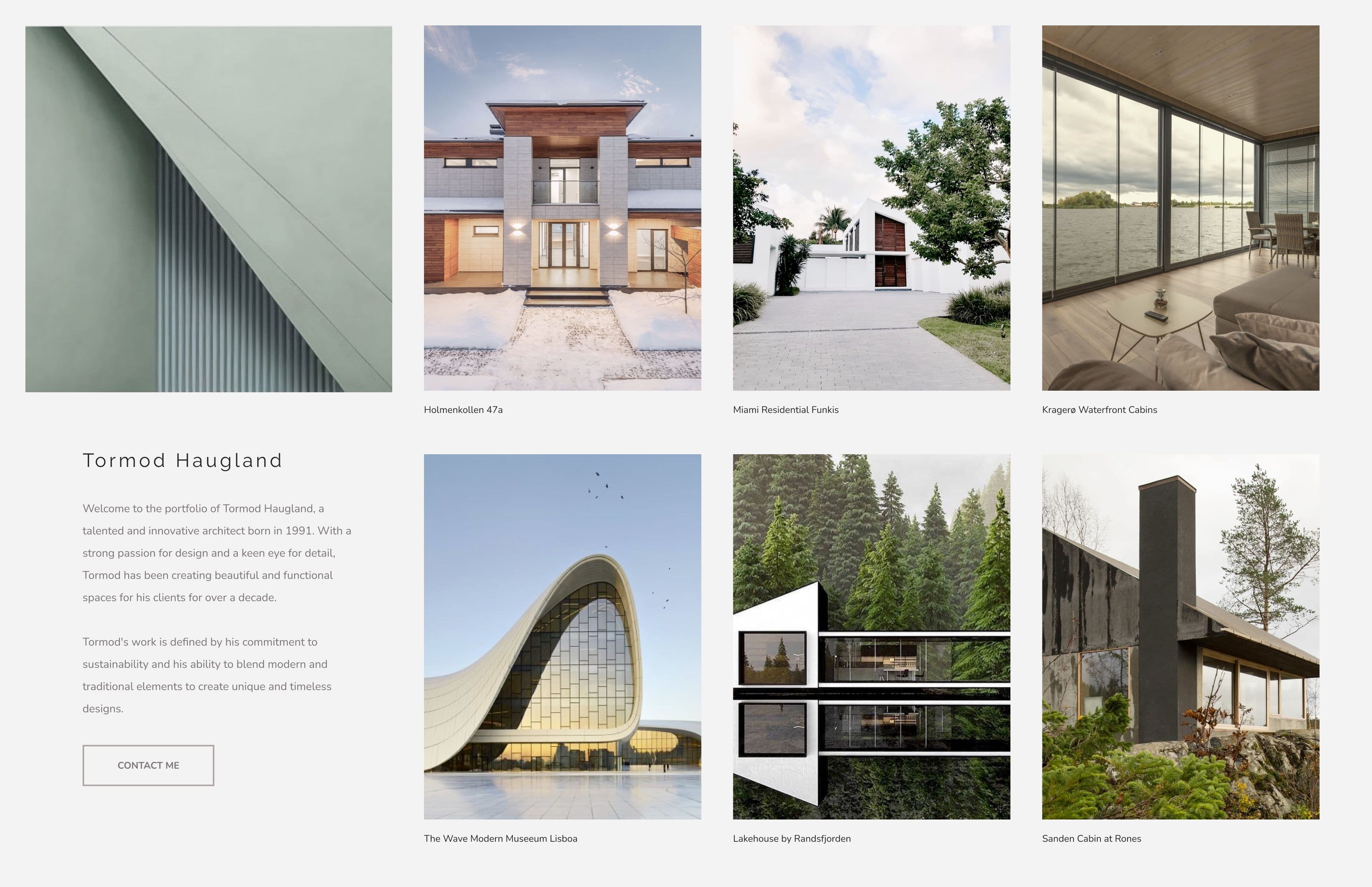
The images are mostly taken from Pexels, while the project names are made up. Compared to the original, my version lost a little distinctiveness: the text became flatter, and the portfolio photos did not have the same nice colors. The fictional architect may have to hire a better photographer or have a go at Lightroom later.
The entry under the name was written with ChatGPT. I asked for 350 words for one architect portfolio for "Tormod Haugland, born in 1991", selected the best parts and put them together. Honestly, I was going to ask for 350 characters. Maybe me should delegate the actual prompting to ChatGPT as well.
The image at the top left lacked a clear function. I tried to add a menu there, but dropped it since I wasn't going to build more pages anyway. Instead I made the image a little lower to separate it from the projects:
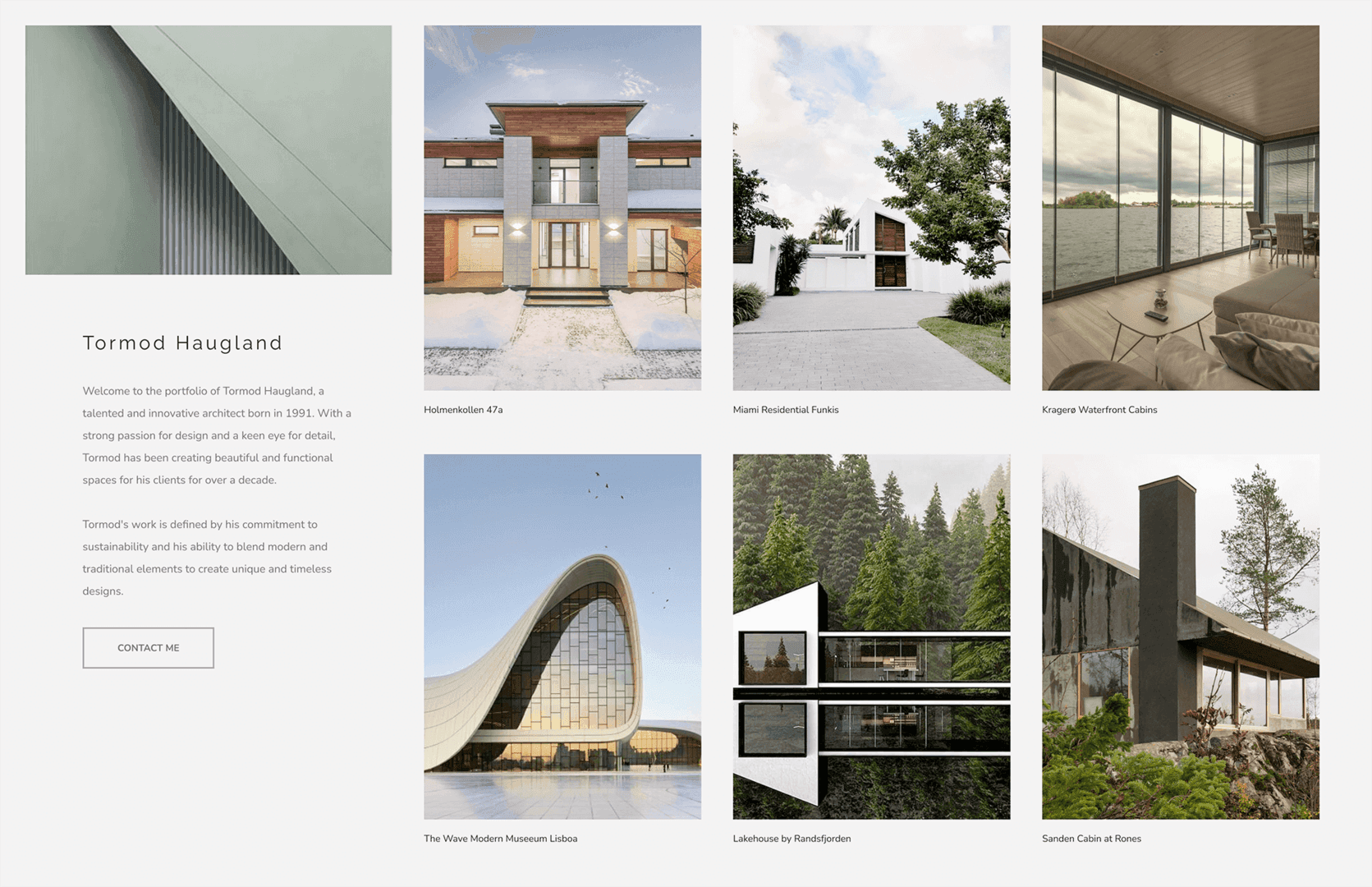
Good enough. On to development.
Step 3: Development: one hour in
The development itself was quite ordinary: normal programming in Next.js.
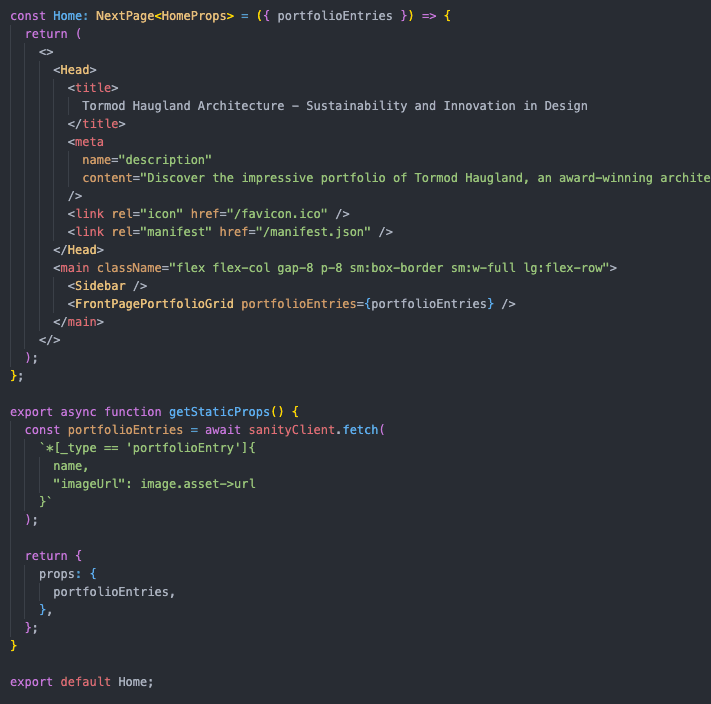
I was not particularly familiar with Tailwind CSS and had forgotten a part of the setup for Sanity in Next.js. About half of the time was therefore spent on documentation. In total I spent about 90 minutes on the development.
The finished page is quite close to the design. I made some adjustments too responsiveness and scaling, but the very largest screens were still not quite in place.
You can find the source code at GitHub.
Stage 4: Vercel and Sanity: three hours in
Publishing a Next.js page with Vercel is easy. When the GitHub repository is connected to Vercel, in practice only a button press remains.
With Sanity's Vercel integration I could create a new Sanity project and have the necessary environment variables entered the building process automatically.
Final touches
The default icon in the browser had to go. A fictitious architect with his own firm also need a good logo, so I asked Midjourney to make one:

The proposals look good. The text makes no sense, but it can easily be removed Photoshop or GIMP.
Result and conclusion: four hours in
You can see the finished website here.
The goal was to investigate whether the new tools could help me make something better or faster than before. The answer is yes.
Is this the world's best portfolio website for an independent architect? No. Does it need more content and more detail? Yes. Would it get real customers? Maybe, but probably not. Is it better than many WordPress templates for the same type of page? I mean that. And the result is better than what I could have created myself just as short a time without Midjourney and ChatGPT.
This sums up the utility of generative AI pretty well. The tools make it usable text and usable images very quickly. They therefore fit well in the toolbox developers, designers, marketers, writers and artists, especially in early idea phases. We could already see several places where they could support the work processes ours.
At the same time, they are no shortcut through the entire creative process. So soon the task becomes more complex than creating some generic text or image suggestions, people are needed to assess, correct, improve and implement.
ChatGPT remembers to some extent what you have asked about earlier in the conversation. Midjourney did not. There are techniques that can provide more coherence results, but I couldn't get the tool to design the rest of the the portfolio with a consistent style.
Then I have to go back to the old method: nagging a real designer.
Image caption in Midjourney: "Annoying CEO pestering his designer colleague about fixing his design, in the style of a manga, colorful --ar 3:2».


